
|
Do it yourself
| |||
| ||||


|
Model: Sym Cruisym 300
Have you racked up miles and now need to replace the drive belt on your scooter? Good, you are in the right place. It is a straightforward job; you just need to gather the right tools. Start by unscrewing the nuts that secure the plastic covering the transmission casing. Then continue by removing the casing itself. Organise all the bolts you remove and keep them safe to avoid losing them. To disassemble the clutch on the crankshaft, you will find the variator on the rear wheel shaft. You will need either an impact gun with a compressor or a piston lock. Now, you can also remove the variator and proceed with replacing it with the new part. It is useful to clean off the dust generated during operation. Now, reassemble everything in reverse order.
Updated on 8 March 2026 by ScegliAuto
Video tutorial
Related tutorials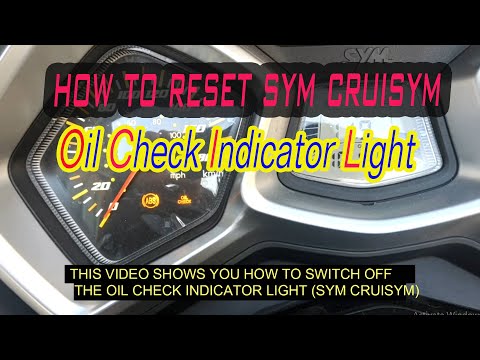
Cruisym 300
Before you start, sit on the seat of your Sym CruiSym. Begin by turning on the ignition by turning the key in the ignition switch. Then, repeatedly p…
Cruisym 300
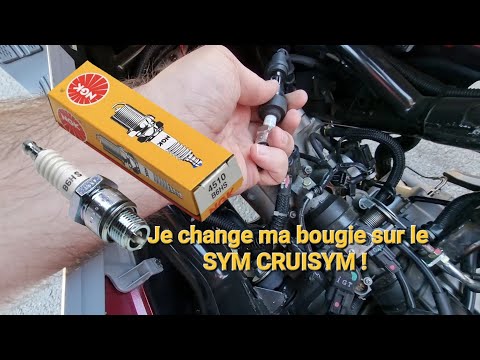
In this short and simple guide, you will learn how to remove and replace the engine spark plug on the Sym CruiSym 300, following the instructions bel…
Cruisym 300
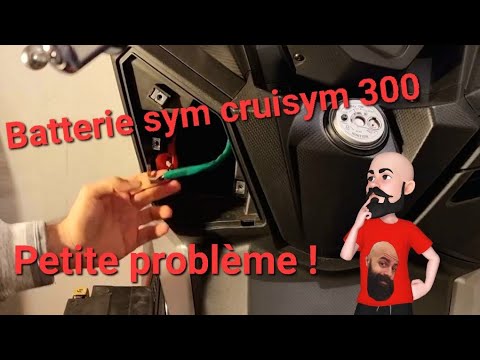
To replace the battery on the Sym Cruisym 300, loosen the screws securing the panel located at the bottom left of the steering wheel. Once these scre…
|
How to Reset the Engine Oil Light on a Yamaha XMax 250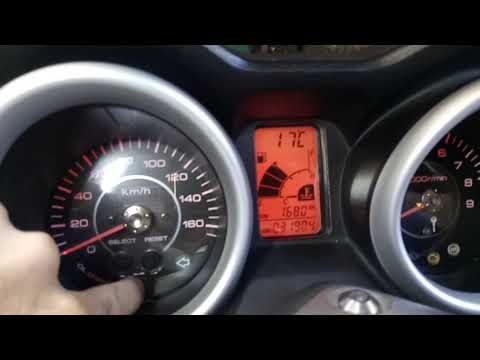
This short video demonstrates the procedure to reset the engine oil light on a Yamaha XMax 250 scooter. The operation is very simple and quick; first, insert the motorcycle key into the designated slot and turn it to the first position to power on the instrument panel without starting the vehicle. At this point, you will see the light on the display; simply press the "oil change" button located at the centre of the motorcycle's speedometer and hold it until the light stops flashing. The operation will then be complete; to verify success, turn off and then turn on the instrument panel. by ScegliAuto More videos
|
|
For advertising on this site Write to info@scegliauto.com
ScegliAuto is not responsible for any inaccuracy of the data in the lists. To report any inaccuracy or your business (if you own the business in question), please write to info@scegliauto.com
Number of seconds to generate the page: 0.005
(c) ScegliAuto 2026 - info@scegliauto.com - Privacy policy VAT number: IT01247470535 |
