
|
Do it yourself
| |||
| ||||


How to Change the Engine Oil and Gear Oil on a Sym Citycom 300 S
Model: Sym Citycom 300 S
Video tutorial
After covering a certain number of miles, you are required to perform a service. In this brief guide, I will show you how to change the engine oil and the gear oil. Don't worry; it only requires a bit of manual skill. Position a container under the scooter and unscrew the bolt under the cover, that on the oil sump. Be careful as the used fluid will come out quickly once the cap is removed. You can also free the drain tube. Screw in the bolt and move to the other side to top up with the new oil. Still under the cover, towards the wheel, you will find the cap for the gear oil. Remove it and let it drain. To insert the new oil, there is a second nut further up. The video shows how to replace the filter, spark plug, and coolant.
Updated on 9 March 2026 by ScegliAuto
Related tutorials
Citycom 300 S
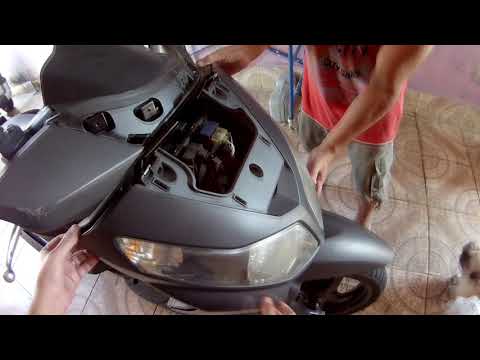
The instructions in this guide will show you how to disassemble and replace the fuel pump on the Sym Citycom 300 scooter. First, place the scooter on…
Citycom 300 S
To replace the headlight bulb on the Sym Citycom 300, you need to loosen the screws that secure the panels located at the front of the motorcycle's f…

Citycom 300 S
In order to replace the headlight bulb of the Sym Citycom 300i, you need to loosen the screws that secure the front fairing of the motorcycle to its …
|
How to Replace the Exhaust on the Sherco SE 300i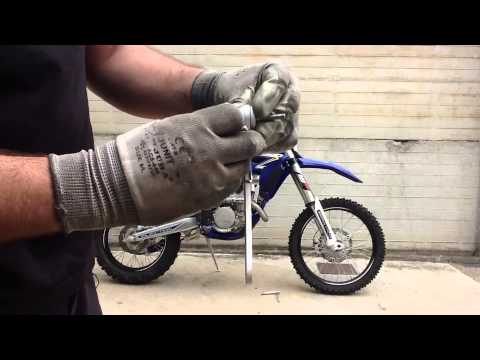
To replace the exhaust on the Sherco SE 300i, loosen the screws securing the right side panel at the rear of the bike: once this is removed, you will have access to the exhaust underneath, which must be freed from its mount by unscrewing the corresponding screw. Once this is unscrewed, loosen the retaining ring by unscrewing the corresponding bolt to completely remove the old exhaust; this will allow you to insert the new one, securing it to the mount and connecting it via the retaining ring. by ScegliAuto More videos
|
|
For advertising on this site Write to info@scegliauto.com
ScegliAuto is not responsible for any inaccuracy of the data in the lists. To report any inaccuracy or your business (if you own the business in question), please write to info@scegliauto.com
Number of seconds to generate the page: 0.005
(c) ScegliAuto 2026 - info@scegliauto.com - Privacy policy VAT number: IT01247470535 |
