
|
Do it yourself
| |||
| ||||


Model: Sym Vts 200
In this video tutorial, you will see the steps that will allow you to remove the underseat storage compartment on the Sym VTS 200 scooter. First, open and lift your seat and start by unscrewing all the securing screws found on the sides, near the bulbs of the compartment; this will allow you to remove the various covers, then unscrew all the upper screws with a socket wrench. At this point, remove the seat along with the entire underseat compartment, disconnecting the electrical connector of the compartment bulb; for reassembly, simply apply the reverse procedure!
Updated on 19 April 2026 by ScegliAuto
Video tutorial
Related tutorials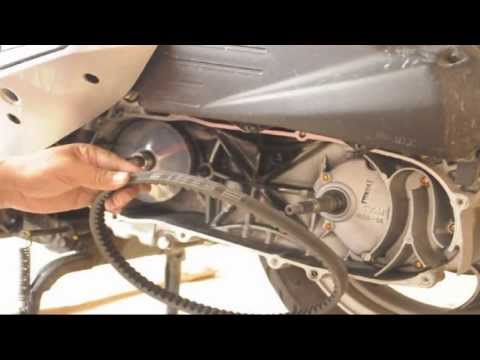
Vts 200
Follow the steps necessary to remove and replace the drive belt on the Sym VTS 200 scooter. First, place your scooter on the centre stand and start u…
Vts 200
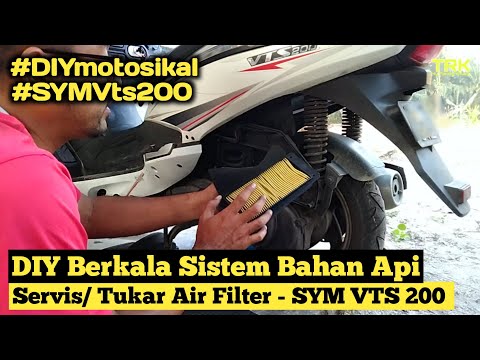
To replace the air filter on a Sym VTS 200, you need to loosen the screws that secure the cover of the air filter box, located directly above the gea…
Vts 200
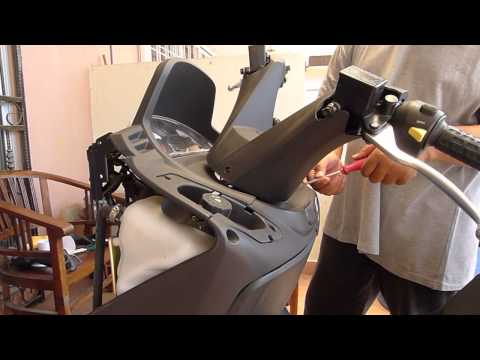
This guide outlines the main steps to dismantle and replace the instrument cluster of the Sym VTS 200 scooter. First, remove the front part of the sc…
|
How to Change the Speed Unit on the Piaggio Mp3
If the speed displayed on your Piaggio Mp3 is in a unit of measurement different from your preference, simply follow this mini guide to change it independently. First, start this procedure with the bike completely off. Then, press and hold the "Mode" button on the right knob for about three seconds and turn on the display. Once done, press the "Mode" button again to switch between units (from Km/h to Mph or vice versa). Finally, hold down "Set" to save the changes. by ScegliAuto More videos
|
|
For advertising on this site Write to info@scegliauto.com
ScegliAuto is not responsible for any inaccuracy of the data in the lists. To report any inaccuracy or your business (if you own the business in question), please write to info@scegliauto.com
Number of seconds to generate the page: 0.006
(c) ScegliAuto 2026 - info@scegliauto.com - Privacy policy VAT number: IT01247470535 |
