
|
Do it yourself
| |||
| ||||


Where is the battery located on the SYM VTS 200 scooter?
Model: Sym Vts 200
Video tutorial
This video shows where the battery is located on the SYM VTS 200 scooter and how to proceed if you need to replace it, a very simple and quick operation. As shown, the battery is positioned inside the small storage compartment beneath the handlebars. To access it and subsequently replace it, start by opening the compartment door, then using a flat-head screwdriver, unscrew the indicated screws and remove the plastic cover. Next, disconnect both terminals, starting with the negative, remove the old battery, and fit the replacement by following the reverse procedure.
Updated on 15 October 2026 by ScegliAuto
Related tutorials
Vts 200
In this tutorial, we will see how to replace the engine oil in the SYM VTS 200 scooter, a very simple and quick operation. First, let's make sure tha…
Vts 200
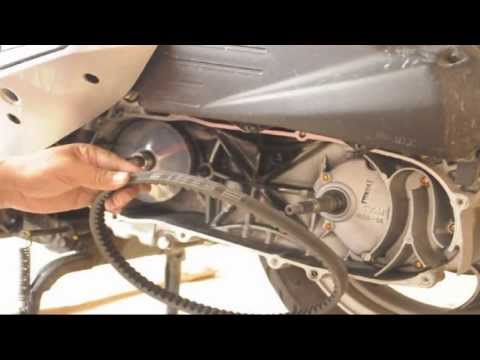
Follow the steps necessary to remove and replace the drive belt on the Sym VTS 200 scooter. First, place your scooter on the centre stand and start u…
Vts 200
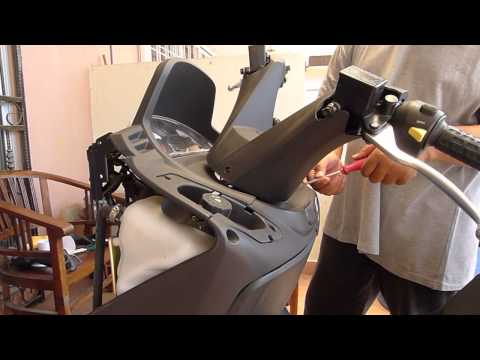
This guide outlines the main steps to dismantle and replace the instrument cluster of the Sym VTS 200 scooter. First, remove the front part of the sc…
|
How to reset the Service light on a KTM Superduke 1290 R?
You can clear the Service light displayed on the instrument panel of the KTM Superduke 1290 R by turning on the ignition, inserting the key into the corresponding ignition switch: once the ignition is on, press the SET button on the left side of the handlebars and scroll through the menu that appears on the panel. Then, you can hold down the up and down arrow buttons together to access the "RESET SERVICE" screen: you can then change the kilometres to be travelled before the light is displayed again to make the light disappear. by ScegliAuto More videos
|
|
For advertising on this site Write to info@scegliauto.com
ScegliAuto is not responsible for any inaccuracy of the data in the lists. To report any inaccuracy or your business (if you own the business in question), please write to info@scegliauto.com
Number of seconds to generate the page: 0.007
(c) ScegliAuto 2026 - info@scegliauto.com - Privacy policy VAT number: IT01247470535 |
