
|
Do it yourself
| |||
| ||||


How to replace the headlight bulb in the Sym Mio?
Model: Sym Mio
Video tutorial
To replace the headlight bulb in the Sym Mio, you need to unscrew the screws that secure the front fairing: these are located just below the headlight and on the inside of the fairing, just below the handlebars. Once this is removed, you can pull the bulb out from the inside of the headlight, disconnecting it from the connector and connecting the new one. Once the new bulb is connected, you can insert it back into the headlight; the headlight along with its fairing must then be secured back to the front of the motorcycle with the appropriate screws.
Updated on 4 June 2026 by ScegliAuto
Related tutorials
Mio
In this tutorial video, we will see the entire operation necessary to replace the dipped beam bulb on a Sym Mio 50i. Start by removing the screws fro…
Mio
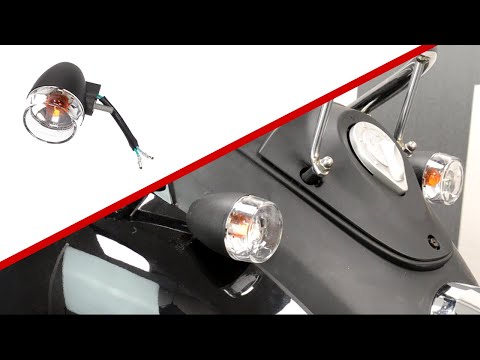
To replace the rear indicator bulb on the Sym Mio, you need to loosen the screws that secure the rear fairing of the motorcycle: to do this, you will…
Mio
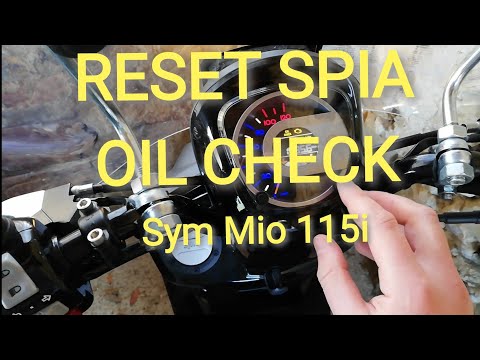
Before you start, sit on the seat of your Sym Mio. Activate the instrument panel by turning the key in the ignition. Then, press the right button on …
|
How to Adjust the Clock on a Harley Davidson Motorcycle
In this video, you can see how to adjust the clock on a Harley Davidson motorcycle: first, turn on the ignition, then use the button located on the left handlebar. The display will show three lights: the ABS, the engine warning light, and the oil light, which will turn off in a few seconds. Pressing the button on the left handlebar will scroll through various information until you reach the time; if you need to adjust it by one hour due to the change from standard to daylight saving time or vice versa, hold down the button and you will be given an option to set the time in either 12 or 24-hour format; press again and adjust the hour if necessary, then it will move to the minutes: confirm by pressing again and you’re done. by ScegliAuto More videos
|
|
For advertising on this site Write to info@scegliauto.com
ScegliAuto is not responsible for any inaccuracy of the data in the lists. To report any inaccuracy or your business (if you own the business in question), please write to info@scegliauto.com
Number of seconds to generate the page: 0.033
(c) ScegliAuto 2026 - info@scegliauto.com - Privacy policy VAT number: IT01247470535 |
