
|
Do it yourself
| |||
| ||||


How to Reset the Oil Service on the SYM Jet 14 125 Scooter?
Model: Sym Jet 14 125
Video tutorial
In this tutorial, you will learn how to reset the oil service on the SYM Jet 14 scooter, a very simple and quick operation. Before proceeding, ensure you have completed the required scheduled maintenance work. Start by inserting the key and turning on the instrument panel, then navigate to the "ODO" display by repeatedly pressing the right button on the dashboard. Once done, press and hold the left button for about 3 seconds, or until the warning light disappears completely, and finally restart the instrument panel.
Updated on 27 July 2026 by ScegliAuto
Related tutorials
Jet 14 125
.. In this tutorial, we will see how to reset the oil service on the SYM Jet 14 125 scooter, a very simple and quick operation. Before.. …

Jet 14 125
In this tutorial, learn how to change the engine oil in the SYM Jet 14 125 scooter, a very simple and quick operation. First, wait for the engine to …

Jet 14 125
Today's steps will show us the process of resetting the maintenance service light of the engine oil change for the Sym Jet 14 125 scooter. First, we …
|
How to replace the air filter in a Suzuki Burgman scooter?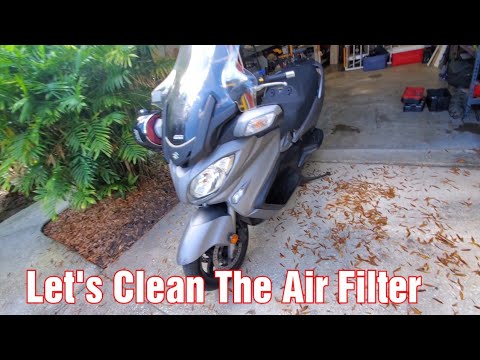
As we can see in this tutorial, replacing the air filter in the Suzuki Burgman 650 scooter is an extremely simple and quick operation. Before proceeding, ensure the engine is completely cold for safety. Start by opening the small glove compartment located under the handlebars, then remove the panel on the opposite side. Next, unscrew the 4 screws indicated with a simple cross-head screwdriver, remove the relay box, and extract the filter from the housing using pliers. Once the replacement is inserted, you can follow the reverse procedure to reassemble everything. by ScegliAuto More videos
|
For advertising on this site Write to info@scegliauto.com
ScegliAuto is not responsible for any inaccuracy of the data in the lists. To report any inaccuracy or your business (if you own the business in question), please write to info@scegliauto.com
Number of seconds to generate the page: 0.007
(c) ScegliAuto 2026 - info@scegliauto.com - Privacy policy VAT number: IT01247470535 |
