
|
Do it yourself
| |||
| ||||


How to Replace the Front Brake Pads on a Sym Bonus 110
Model: Sym Bonus 110
Video tutorial
To replace the front brake pads on a Sym Bonus 110, loosen the screws that secure the caliper to its housing at the back of the disc. Once this screw is loosened, you can completely detach the caliper from the disc and remove the pads inside. This allows you to insert the new replacement pads into the caliper, which can then be positioned onto the corresponding disc. After inserting the new pads, check that the brake functions correctly.
Updated on 4 September 2026 by ScegliAuto
Related tutorials
Bonus 110
.. Today, I will show you how to replace the front brake pads on a Sym Bonus 110. First, unscrew the two bolts that secure the.. …

Bonus 110
To replace the front brake pads of the Sym Bonus 110, you need to loosen the screws that secure the brake caliper to the corresponding disk: once the…
Bonus 110
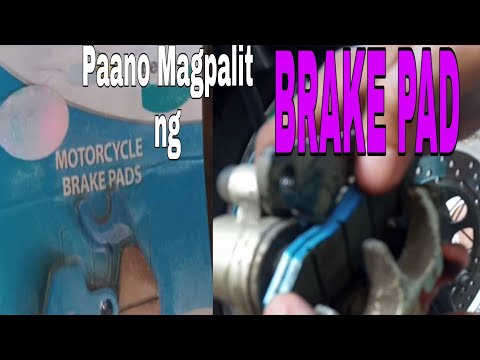
In this tutorial, you will see how to replace the front brake pads on the SYM Bonus 110 scooter, a very simple and quick operation. First, position y…
|
How to Replace the Water Pump on the Malaguti Spidermax GT 500
To replace the water pump on the Malaguti Spidermax GT 500, loosen the screws securing the cover on the right side of the vehicle. Underneath, you will find the stator, which can be removed from its housing. Once the stator is extracted, locate the water pump underneath and remove it from its seat by loosening the securing bolts and disconnecting the hoses. At this point, insert the new water pump and check that everything functions correctly. by ScegliAuto More videos
|
|
For advertising on this site Write to info@scegliauto.com
ScegliAuto is not responsible for any inaccuracy of the data in the lists. To report any inaccuracy or your business (if you own the business in question), please write to info@scegliauto.com
Number of seconds to generate the page: 0.005
(c) ScegliAuto 2026 - info@scegliauto.com - Privacy policy VAT number: IT01247470535 |
