
|
Do it yourself
| |||
| ||||



How to set the clock of the Toyota Yaris Cross
Model: Toyota Yaris Cross
MK 1
- Years:
2020, 2021, 2022, 2023, 2024, 2025, 2026
Video tutorial
Below we will discover the information that will show us how to change the time on the central display of the Toyota Yaris Cross. First of all, we get into the car and start the instrument panel; then we press on the clock option at the top, entering the settings, as shown in the video. At this point, we set the time automatically via GPS or manually; we set the hour and minutes, also changing the time format and date if necessary. Exit the settings menu to save the changes made!
Posted on 1 November 2025 by ScegliAuto
Related tutorials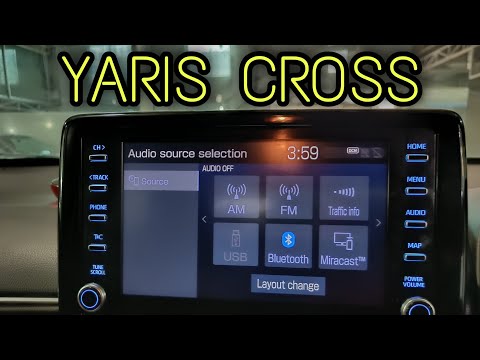
Toyota Yaris Cross
(2020-2026 /
MK 1)
To set the clock on the Toyota Yaris Cross, turn the ignition key to switch on the instrument panel. Next, interact with the display located in the c…

Toyota Yaris Cross
(2020-2026 /
MK 1)
In this guide, we will discover the instructions to set the clock on the central display of the Toyota Yaris Cross. First, get into the vehicle and t…

Toyota Yaris Cross
(2020-2026 /
MK 1)
The operation of adjusting the clock on the Toyota Yaris Cross is done by turning on the instrument panel, turning the appropriate key, and then movi…
Other guides you may be interested in
|
How to Activate the Disabled TRC on the Toyota Yaris?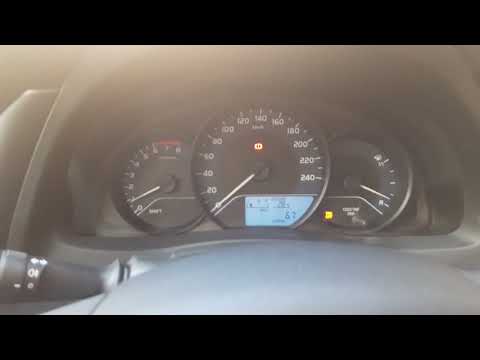
As the video clearly shows, disabling or activating the traction control (TRC or ESP) on the Toyota Yaris is very simple. By default, the traction system activates every time the vehicle is started. To disable it, simply press the button depicting a skidding car located in the centre of the vehicle where the controls are, such as the hazard lights and the radio, but near the handbrake. Once disabled, the TRC off light will illuminate on the dashboard. To reactivate it, just press the same button again. by ScegliAuto More videos
|
|
For advertising on this site Write to info@scegliauto.com
ScegliAuto is not responsible for any inaccuracy of the data in the lists. To report any inaccuracy or your business (if you own the business in question), please write to info@scegliauto.com
Number of seconds to generate the page: 0.068
(c) ScegliAuto 2026 - info@scegliauto.com - Privacy policy VAT number: IT01247470535 |
