
|
Do it yourself
| |||
| ||||


How to Reset the Service Light on a Toyota Yaris
Model: Toyota Yaris
Xp130
- Years 2011-2019
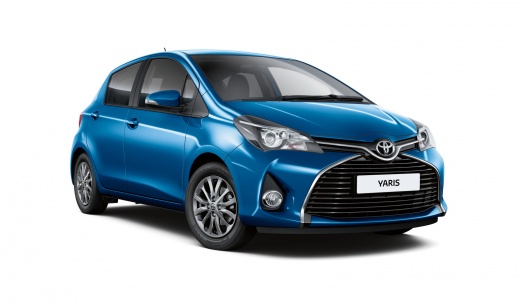
This video shows how to reset the service light on a Toyota Yaris MK3: as with all vehicles requiring this service, the first thing to ensure is that all four doors, the rear boot, and the bonnet are securely closed. Then proceed to turn on the ignition. Use the multifunction display to navigate the menu: select "settings", and from this menu choose "vehicle settings". Within this submenu, look for and select "scheduled maintenance". Follow the instructions displayed on the screen carefully to complete the reset procedure. Once the instructions have been followed, the operation is complete.
Posted on 1 March 2026 by ScegliAuto
Video tutorial
Related tutorials
Toyota Yaris
(2020-2026 /
MK 4)
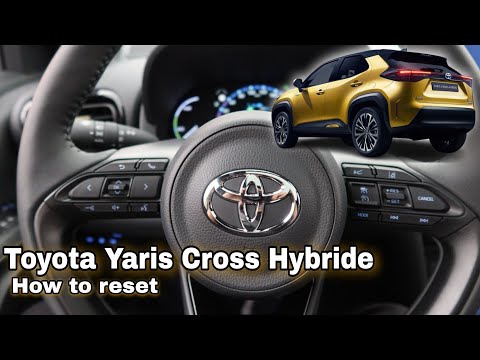
Good morning, today we will focus on the procedure to reset the "Service" light of our Toyota Yaris. Before proceeding, it is essential to make sure …
Toyota Yaris
(2020-2026 /
MK 4)
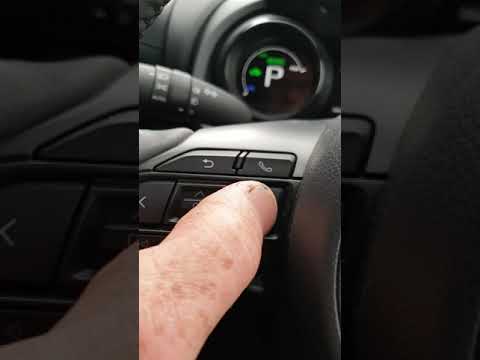
After completing all the service operations, you can proceed to reset the service light on a Toyota Yaris Hybrid. The steps are simple and straightfo…
Toyota Yaris
(2020-2026 /
MK 4)
Today, we will discover the instructions that will allow us to reset the service light for the regular maintenance oil change on the Toyota Yaris. Fi…
Other guides you may be interested in
|
Frequently Asked QuestionsHow to set the clock on the Opel Zafira
Setting the clock to the current Italian time on an Opel Zafira model B vehicle is a very simple operation, which can also be done independently thanks to our short instructional video. The first thing to do is to turn on the instrument panel and then press the SETTING button, located on the central dashboard. Once inside the menu, use the buttons to navigate to the clock setting. Change the hours and minutes and restart the instrument panel. If the clock is not updated, a diagnosis may be necessary at the radio or vehicle control unit. by ScegliAuto More videos
|
|
For advertising on this site Write to info@scegliauto.com
ScegliAuto is not responsible for any inaccuracy of the data in the lists. To report any inaccuracy or your business (if you own the business in question), please write to info@scegliauto.com
Number of seconds to generate the page: 0.061
(c) ScegliAuto 2026 - info@scegliauto.com - Privacy policy VAT number: IT01247470535 |
