
|
Do it yourself
| |||
| ||||


How to Replace the Fuel Filler Cap on a Toyota Sienna?
Model: Toyota Sienna
Xl30
- Years 2010-2020
In this tutorial, you will see how to remove and replace the fuel filler cap on a Toyota Sienna, a very simple and quick operation. First, open the cap and disconnect the retaining cord of the cap. Next, drill out the heads of both fixing rivets and completely remove them using a chisel and a hammer, taking care not to damage the paintwork. Once this is done, extract the cap from the bodywork, position the replacement, and secure it with new rivets. For this last step, you will need the appropriate pliers.
Updated on 13 July 2026 by ScegliAuto
Video tutorial
Related tutorials
Toyota Sienna
(2010-2020 /
Xl30)
Today we will explain how to replace the license plate light of the 2011 Toyota Sienna. To replace the bulb, we need to open the vehicle's trunk and …
Toyota Sienna
(2004-2010 /
Xl20)
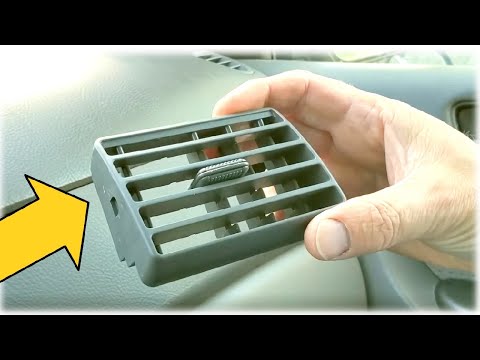
To replace the air vents of the Toyota Sienna, follow this procedure: insert a tool into the side of the vent to release it laterally. Then, tilt the…
Toyota Sienna
(2004-2010 /
Xl20)
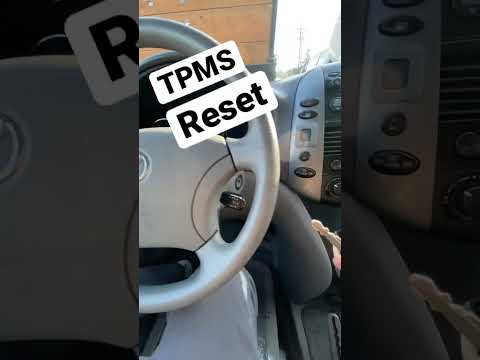
To reset the tyre pressure warning light on the Toyota Sienna, first inflate the tyres to the correct pressure value: this value is indicated on the …
Other guides you may be interested in
|
How to reset the tire pressure sensor of the Hyundai Tucson
Below we will discover the instructions that will allow us to reset the tire pressure warning light (TPMS) of the Hyundai Tucson. First of all, we get into the car and turn on the instrument panel; then we go to the vehicle settings until we reach the tire pressure monitor, identifying the tire with the incorrect pressure. At this point, we proceed to restore all tire pressures, following the pattern indicated on the label; in this way the TPMS system will be reset and the warning light will be reset by the instrument panel! by ScegliAuto More videos
|
|
For advertising on this site Write to info@scegliauto.com
ScegliAuto is not responsible for any inaccuracy of the data in the lists. To report any inaccuracy or your business (if you own the business in question), please write to info@scegliauto.com
Number of seconds to generate the page: 0.106
(c) ScegliAuto 2026 - info@scegliauto.com - Privacy policy VAT number: IT01247470535 |
