
|
Do it yourself
| |||
| ||||


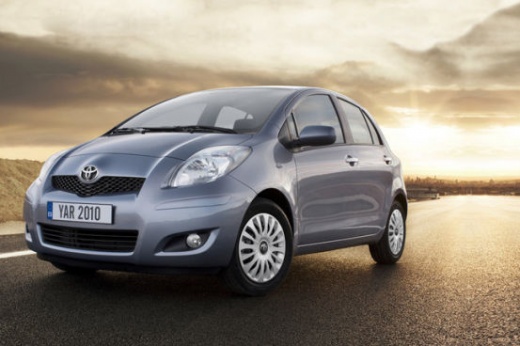
Installing AUX Input on Toyota Yaris II
Model: Toyota Yaris
Xp90
- Years:
2005, 2006, 2007, 2008, 2009, 2010, 2011
Video tutorial
If you want to equip your audio system with a completely integrated invisible solution that allows the use of iPod, iPhone, Smartphone, USB, and AUX devices without modifying the interior of the car, you can install a specially created interface to achieve this result. It comes with specific wiring that allows connection to the original radio without any modifications. Start by removing the radio, first detaching the two trim strips on either side of the radio, then unscrew the four fixing screws. Once the radio is removed from its housing, connect the adapter cable, route it behind, and bring it into the glove compartment where the interface will be placed.
Updated on 19 February 2026 by ScegliAuto
Related tutorials
Toyota Yaris
(2005-2011 /
Xp90)
To prevent dirt and dust from entering the air conditioning circuit of the Toyota Yaris, a dedicated filter is installed at the external air intake, …

Toyota Yaris
(2011-2019 /
Xp130)
The installation of Cruise Control on a Toyota Yaris vehicle is a fairly simple operation to perform independently. To carry out this operation, we m…
Toyota Yaris
(1999-2005 /
Xp10)
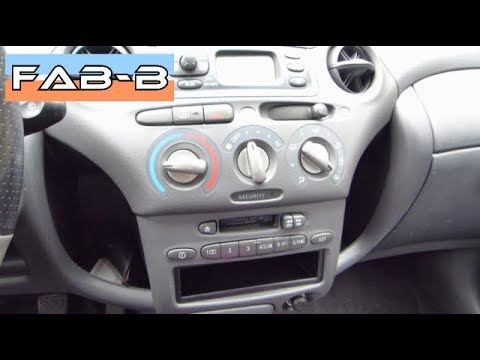
Replace the radio in a Toyota Yaris if it is damaged or worn out. Let's look at the disassembly. Remove the ventilation knobs and take off the coveri…
Other guides you may be interested in
|
How to reset the tyre pressure warning light on the Kia Niro EV?
To reset the tyre pressure warning light on the Kia Niro EV, inflate the tyres until they reach the correct pressure value. This value is indicated on the sticker attached to the driver's door pillar. Once the tyres are inflated, turn on the instrument cluster to check that the warning light has completely disappeared from the display. If it is still present, you may need to drive for a few miles to ensure it disappears completely from the screen. by ScegliAuto More videos
|
For advertising on this site Write to info@scegliauto.com
ScegliAuto is not responsible for any inaccuracy of the data in the lists. To report any inaccuracy or your business (if you own the business in question), please write to info@scegliauto.com
Number of seconds to generate the page: 0.011
(c) ScegliAuto 2026 - info@scegliauto.com - Privacy policy VAT number: IT01247470535 |
