
|
Do it yourself
| |||
| ||||


How to Replace the Key Button on a Toyota Yaris?
Model: Toyota Yaris
Xp10
- Years 1999-2005
The failure of one or more buttons on the remote key is a common issue in many vehicles, often following the breakdown of the rubber cover caused by excessive pressure applied in the hope that the button will work; it is therefore possible to purchase a repair kit that includes both the micro buttons and the rubber cover; for the Yaris, first, remove the fixing screw of the shell to extract the capsule that houses the battery and the electronic circuit of the remote; applying flux, desolder what remains of the old button and solder the new one, then check its functionality before reassembling everything.
Updated on 24 February 2026 by ScegliAuto
Video tutorial
Related tutorials
Toyota Yaris
(2020-2026 /
MK 4)
Good morning, today we will focus on the procedure to reset the "Service" light of our Toyota Yaris. Before proceeding, it is essential to make sure …
Toyota Yaris
(2011-2019 /
Xp130)
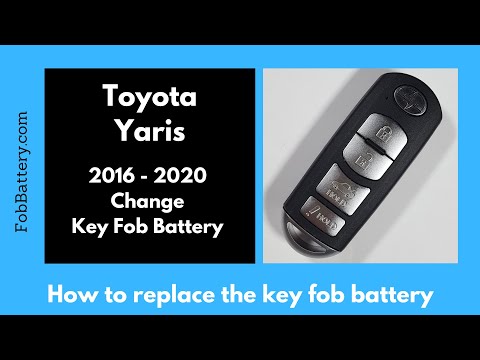
If you need to replace the key battery in your Toyota Yaris (2016-2020), simply follow these instructions. First, take the key and locate the small b…
Toyota Yaris
(2005-2011 /
Xp90)
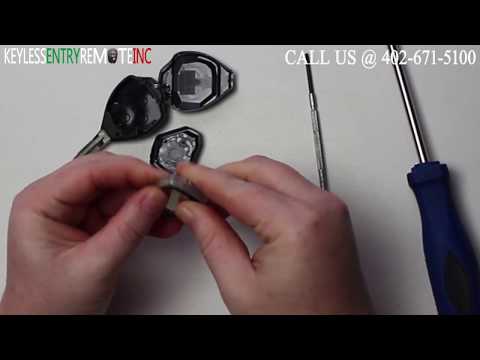
Start by inserting the tip of a flathead screwdriver into the slot on the side of your Toyota Yaris key and lever it open. Then, detach and remove th…
Other guides you may be interested in
|
Frequently Asked QuestionsHow to Open the Fuel Filler Flap on a Hyundai i20?
In this tutorial, you will see how to open the fuel filler flap on a Hyundai i20, a very simple operation similar to that of many vehicles. First, go inside the cabin; it is not necessary to insert the key or unlock all the locks, then locate and operate the lever situated in the lower left area of the cabin, right next to the driver's seat. Once done, exit the vehicle, fully open the flap, and unscrew the fuel cap. To close the flap, simply press it gently until you hear a click. by ScegliAuto More videos
|
|
For advertising on this site Write to info@scegliauto.com
ScegliAuto is not responsible for any inaccuracy of the data in the lists. To report any inaccuracy or your business (if you own the business in question), please write to info@scegliauto.com
Number of seconds to generate the page: 0.149
(c) ScegliAuto 2026 - info@scegliauto.com - Privacy policy VAT number: IT01247470535 |
