
|
Do it yourself
| |||
| ||||


How do you replace the battery of the Triumph Sprint ST 1050?
Model: Triumph Sprint St 1050
Video tutorial
In order to replace the battery of the Triumph Sprint ST 1050, you need to loosen the screws that hold the motorcycle seat in place: once these screws have been loosened, you can proceed to completely detach the seat from its housing. At this point, you will be able to locate the battery underneath, which must be freed from the fastening screws and disconnected from the appropriate terminals; this will allow you to insert the new replacement battery into its housing. The screws that hold it in place and the power cables can be reinserted, ensuring that everything is functioning properly.
Posted on 2 June 2025 by ScegliAuto
Related tutorials
Sprint St 1050
You can replace the clutch on the Triumph Sprint ST 1050 by loosening the screws that secure the clutch cover located on the right side of the bike a…

Sprint St 1050
In this tutorial, you will see how to change the engine oil in a Triumph Sprint ST 1050, a very simple and quick operation to perform every 12 months…

Sprint St 1050
To replace the battery on the Triumph Speed ST 1050, loosen the two screws located at the back of the seat so that it can be detached from its housin…
|
How to Reset the Service Light on a KTM Super Duke 1290 R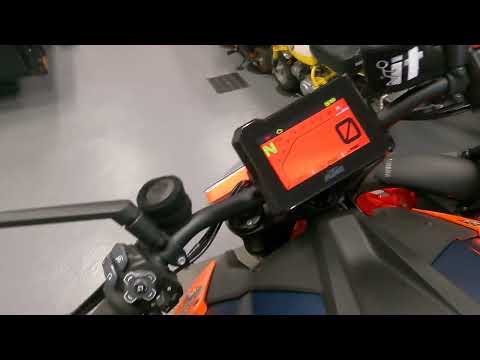
This tutorial shows how to reset the service light on a KTM Super Duke 1290 R, a very simple and quick operation. Before proceeding, ensure that you have completed the required scheduled maintenance. Start by inserting the key and turning on the instrument panel, then navigate to the general menu, move the selector to "Options" and press the two indicated buttons. Adjust the two intervals using the directional arrows, return to the main screen, and restart the panel to verify that the reset was successful. by ScegliAuto More videos
|
|
For advertising on this site Write to info@scegliauto.com
ScegliAuto is not responsible for any inaccuracy of the data in the lists. To report any inaccuracy or your business (if you own the business in question), please write to info@scegliauto.com
Number of seconds to generate the page: 0.007
(c) ScegliAuto 2026 - info@scegliauto.com - Privacy policy VAT number: IT01247470535 |
