
|
Do it yourself
| |||
| ||||


How to Reset the Tyre Pressure Warning Light on a Mitsubishi Space Star?
Model: Mitsubishi Mitsubishi Various
Video tutorial
Detailed instructions - Resetting the low tyre pressure warning light on the new Mitsubishi Space Star is very simple. Let's see how to do it in the attached video tutorial for the new Attrage, which is also valid for our Space Star as they share the same instrumentation. Turn on the ignition without using any pedals, then repeatedly press the long right button until you reach the tyre screen, identifiable by the warning light in the top right corner of the display. At this point, hold down the same button; a beep will confirm the successful completion of the procedure.
Updated on 29 April 2026 by ScegliAuto
Related tutorials
Mitsubishi Mitsubishi Various
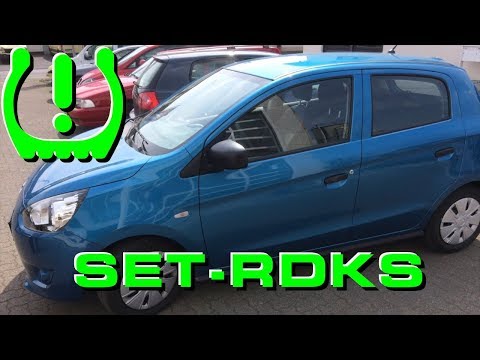
Today, you will learn how to reset the tyre pressure warning light on the Mitsubishi Space Star in simple and quick steps. First, get inside the vehi…
Mitsubishi Mitsubishi Various
This guide shows how to reset the tyre pressure monitoring system (TPMS) light on the Mitsubishi Space Star. First, turn on the vehicle's ignition. U…

Mitsubishi Mitsubishi Various
In this new mini guide, discover a method that is both simple and effective, allowing you to reset the oil change light in your Mitsubishi Space Star…
Other guides you may be interested in
|
Where to Find the Fuses in the Nissan Qashqai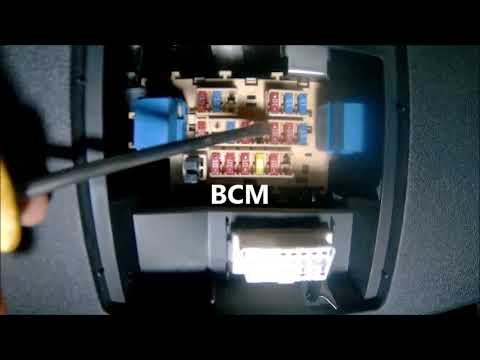
The fuse box in the Nissan Qashqai's cabin is located to the left of the steering wheel, where there is a small cover. Pull it off to access the fuse and relay box. To replace a fuse, if that is the cause of the issue, take a small pair of pliers and remove the fuse of the non-functioning component. Check that the bridge inside the fuse is not broken; if it is broken, replace the fuse with a new one of the same amperage as the old one. If the bridge is intact, the fuse is functioning correctly. by ScegliAuto More videos
|
|
For advertising on this site Write to info@scegliauto.com
ScegliAuto is not responsible for any inaccuracy of the data in the lists. To report any inaccuracy or your business (if you own the business in question), please write to info@scegliauto.com
Number of seconds to generate the page: 0.065
(c) ScegliAuto 2026 - info@scegliauto.com - Privacy policy VAT number: IT01247470535 |
