
|
Do it yourself
| |||
| ||||


How to Reset the Service Light on a Tata Harrier
Model: Tata Tata Various
The service light on your Tata Harrier's dashboard indicates that a service is due. If it remains lit after servicing, you need to perform a manual reset. By following our instructions carefully, you can complete the entire operation without any difficulty. Start by turning on the ignition and entering the vehicle settings. Once you find the "Service reminder reset" option, select it and confirm the reset when prompted. After a moment, the procedure will be successfully completed, and you can turn off the ignition.
Updated on 11 August 2026 by ScegliAuto
Video tutorial
Related tutorials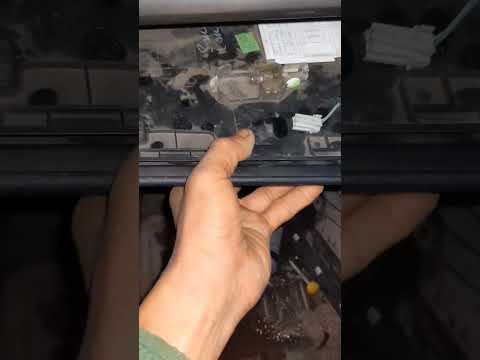
Tata Tata Various
If you own a Tata Harrier, you must know the exact location of all the various fuses to intervene quickly and effectively in case of electrical fault…
Tata Tata Various
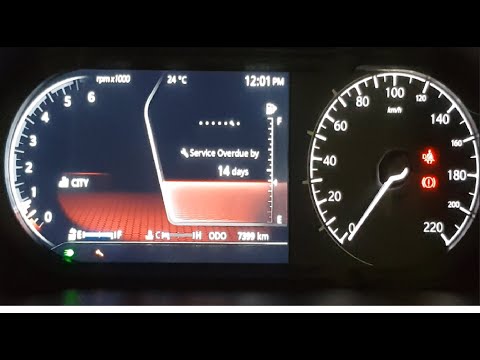
To reset the Service light on the Tata Harrier, turn on the instrument cluster and then press the button with the tick located on the right spoke of …
Tata Tata Various
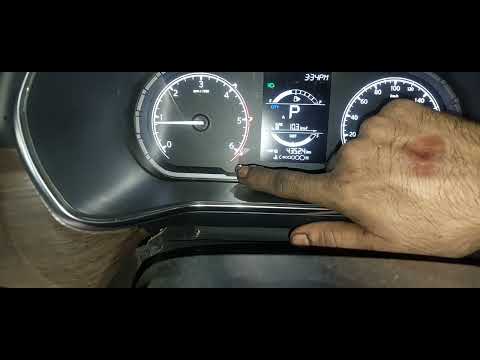
To reset the Service light on the Tata Harrier, turn on the instrument panel after inserting the ignition key into the lock. Once the panel is on, re…
Other guides you may be interested in
|
How to Open the Fuel Flap and Unscrew the Cap on a Hyundai Tucson
The instructions in this guide will show you how to refuel by opening the fuel flap and unscrewing the tank cap on a Hyundai Tucson. First, get into the vehicle and pull the fuel flap release lever located at the bottom, driver's side (next to the seat); then move to the outside and open the fuel flap, unscrewing the cap to refuel, as illustrated in the video. Finally, screw the cap back on until it clicks and close the fuel flap! by ScegliAuto More videos
|
|
For advertising on this site Write to info@scegliauto.com
ScegliAuto is not responsible for any inaccuracy of the data in the lists. To report any inaccuracy or your business (if you own the business in question), please write to info@scegliauto.com
Number of seconds to generate the page: 0.058
(c) ScegliAuto 2026 - info@scegliauto.com - Privacy policy VAT number: IT01247470535 |
