
|
Do it yourself
| |||
| ||||


How to Activate uConnect Live?
Model: (Various brands) Various
Video tutorial
To activate uConnect Live, download the app related to the brand of the car purchased (Fiat, Jeep, etc.): once the application is downloaded, log in using the personal details provided at the time of purchase. After logging in, connect to the device in the car so that you can use all the features available: you will be able to make calls from the central display, play multimedia content, read messages, etc. To disconnect, simply log out of the application.
Updated on 16 September 2026 by ScegliAuto
Related tutorials
(Various brands) Various
In recent years, infotainment systems in vehicles have become essential. Even smaller cars, like city cars, offer most connected services to stay upd…
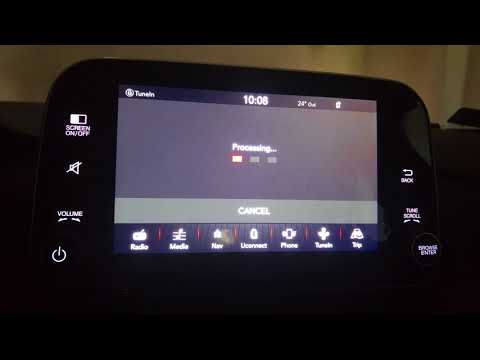
(Various brands) Various
In today's video, we will see how to perform the latest update of the Uconnect system in FCA group vehicles. Turn on the ignition to activate the inf…

(Various brands) Various
Good morning, today the goal is to reset the Uconnect 5 system in your car. First, carefully enter the cabin. Once there, locate the Uconnect control…
Other guides you may be interested in |
Frequently Asked QuestionsHow to Open the Fuel Flap on a Volkswagen Tiguan?
To open the fuel flap on a Volkswagen Tiguan, first unlock the car using the appropriate button on the remote. This will open the car and unlock the mechanism that controls the fuel flap. At this point, apply light pressure to the left side of the flap to open it and access the cap underneath. Once this is unscrewed, you can refuel and then close everything. by ScegliAuto More videos
|
|
For advertising on this site Write to info@scegliauto.com
ScegliAuto is not responsible for any inaccuracy of the data in the lists. To report any inaccuracy or your business (if you own the business in question), please write to info@scegliauto.com
Number of seconds to generate the page: 0.007
(c) ScegliAuto 2026 - info@scegliauto.com - Privacy policy VAT number: IT01247470535 |
