
|
Do it yourself
| |||
| ||||


Tips and Tricks for Using the Volkswagen ID.4
Model: Volkswagen Id 4
MK 1
- Years 2020-2026
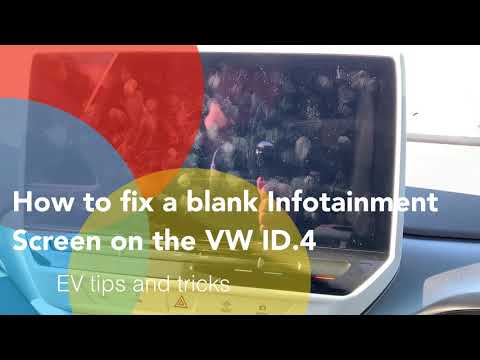
In this video, we will look at some tips for the proper use of the Volkswagen ID.4. First, let's see how to reset the infotainment screen. At the bottom left, there is the power button. To perform the reset, hold it down until the screen turns off. Release it, and now the system will restart; this can also be done while driving. The system takes a couple of minutes to fully reboot. Next, let's see how to switch between two phones: if the phone connected to the system is yours and your partner needs to make a call, here's how to do it. From the main screen, click on settings, mobile devices, and view all available devices. To switch from one to the other, click on the one you wish to use and confirm by selecting "use Android Auto". Now, let's see how to fold the mirrors when entering a garage: on the driver's side control panel, there are the mirrors for both sides marked with the letters "L" and "R" and a drawing of a folded mirror and a heated one. Simply press the mirror you wish to fold and then press the button for the folded mirror. As for the automatic high beams, there is nothing to know. They simply turn on when there is no one in front of you or no one coming towards you. The YouTuber then explains the function of adaptive cruise control.
Updated on 7 September 2026 by ScegliAuto
Video tutorial
Related tutorials
Volkswagen Id 4
(2020-2026 /
MK 1)
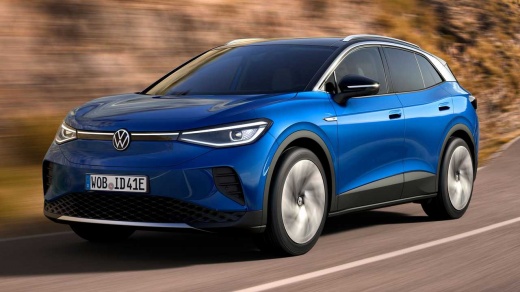
The Volkswagen ID 4 is an electric vehicle equipped with an electric motor powered by batteries that need to be recharged from the electrical grid, t…

Volkswagen Id 4
(2020-2026 /
MK 1)
In the following article, we will see how to replace the battery of the Volkswagen ID4 key. For this operation, we will need a small flathead screwdr…
Volkswagen Id 4
(2020-2026 /
MK 1)
The radio screen has frozen and no longer allows you to use its various functions. What should you do now? Should you contact the dealer? Don't worry…
Other guides you may be interested in
|
How to Reset the Tyre Pressure Light on the Opel Grandland X
While driving, if you notice the tyre pressure warning light coming on, first check the actual inflation pressure of the tyres and, if necessary, restore the pressures recommended by the manufacturer. After restoring the correct pressures, you need to reset the warning light that has illuminated on the instrument cluster. To do this, locate the reset button on the lower central console. Press this button and hold it down for at least 3 seconds, after which the low pressure indication will turn off. by ScegliAuto More videos
|
|
For advertising on this site Write to info@scegliauto.com
ScegliAuto is not responsible for any inaccuracy of the data in the lists. To report any inaccuracy or your business (if you own the business in question), please write to info@scegliauto.com
Number of seconds to generate the page: 0.078
(c) ScegliAuto 2026 - info@scegliauto.com - Privacy policy VAT number: IT01247470535 |
