
|
Do it yourself
| |||
| ||||


How to Reset the Service on a Volvo XC 60
Model: Volvo Xc60
MK 1
- Years 2008-2016
In this video, we will see the procedure to reset the "Service" on the Volvo XC 60. First, insert the electronic key into its slot and press the "Start" button. Once this is done, press the "Trip" button (located at the bottom right of the gauge) and simultaneously press the "Start" button again; Hold the "Trip" button until you see the orange light with the "i" flashing. At this point, you can release the button, you will hear a confirmation beep, and the gauge will display the miles you can drive until the next service.
Updated on 5 April 2026 by ScegliAuto
This video is currently unavailable
Related tutorials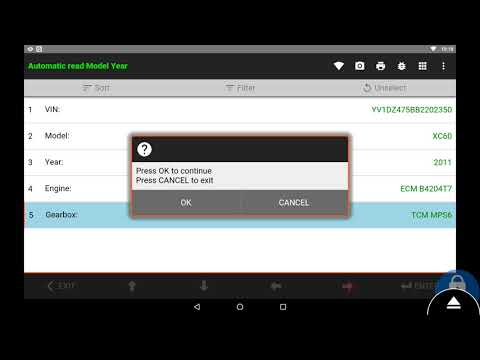
Volvo Xc60
(2008-2016 /
MK 1)
To reset the Service light on a Volvo XC60, turn on the ignition and then connect a diagnostic tool to the vehicle's OBD port. This port is located o…
Volvo Xc60
(2008-2016 /
MK 1)
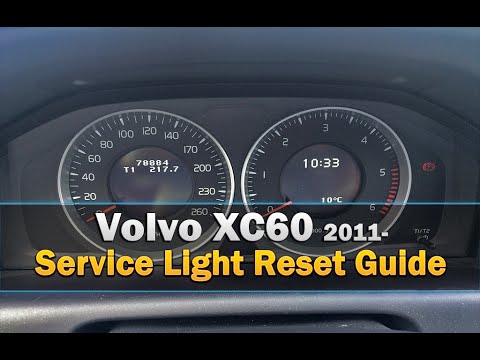
To reset the Service light on the Volvo XC60, insert the key into the ignition switch and turn it to position 1, which only powers the instrument clu…
Volvo Xc60
(2008-2016 /
MK 1)
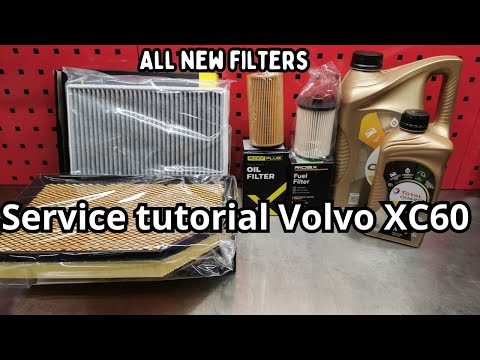
Hello, today's guide aims to reset the "Service" light on your Volvo XC60. Before starting, ensure you have performed the recommended maintenance. Be…
Other guides you may be interested in
|
How to Connect the Cables to the Battery of the Citroen Xsara Picasso?
In this tutorial, you will see how to connect the cables to the battery of the Citroen Xsara Picasso, useful if you need to recharge it or perform an emergency start. First, ensure the key is not inserted, then open the bonnet and move to the front of the left headlamp. Next, locate the bolt just behind the filter box and connect the positive terminal clamp to it. Now you can connect the negative terminal to any point on the chassis, such as the indicated point. Once the operation is complete, ensure you disconnect the negative first and then the positive. by ScegliAuto More videos
|

|
For advertising on this site Write to info@scegliauto.com
ScegliAuto is not responsible for any inaccuracy of the data in the lists. To report any inaccuracy or your business (if you own the business in question), please write to info@scegliauto.com
Number of seconds to generate the page: 0.111
(c) ScegliAuto 2026 - info@scegliauto.com - Privacy policy VAT number: IT01247470535 |
