
|
Do it yourself
| |||
| ||||



How to Reset the Service Light on a 2012 Volvo XC60?
Model: Volvo Xc60
MK 1
- Years:
2008, 2009, 2010, 2011, 2012, 2013, 2014, 2015, 2016
Video tutorial
Let's see how to reset the service light on a 2012 Volvo XC60. First, insert the key into its slot and press the "start/stop" button while keeping your feet away from the pedals. Now, press both the "start/stop" button and the "T1/T2" button located at the bottom right corner of the dashboard simultaneously. Hold them together until the "i" light flashes at the bottom center of the instrument panel. Upon release, you should hear a beep indicating that the light is reset. Start the ignition to verify that the procedure was successful.
Updated on 29 June 2026 by ScegliAuto
Related tutorials
Volvo Xc60
(2008-2016 /
MK 1)
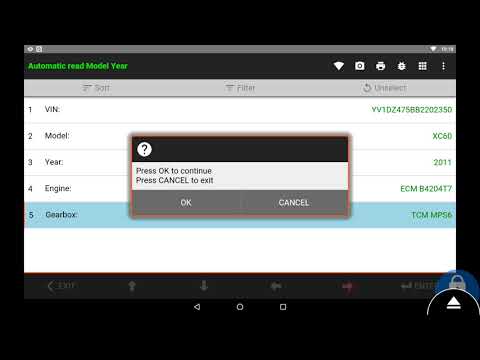
Hello, today's guide aims to reset the "Service" light on your Volvo XC60. Before starting, ensure you have performed the recommended maintenance. Be…
Volvo Xc60
(2008-2016 /
MK 1)
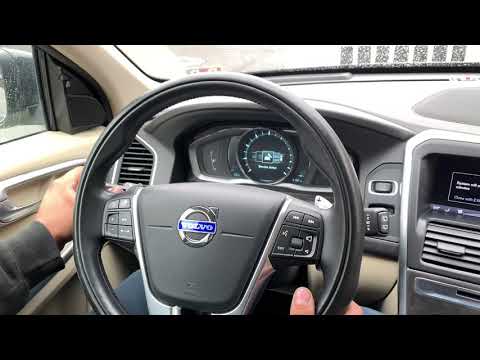
To reset the Service light on a Volvo XC60, turn on the ignition and then connect a diagnostic tool to the vehicle's OBD port. This port is located o…
Volvo Xc60
(2008-2016 /
MK 1)
In today's video, you will learn how to reset the service light in the Volvo XC60. First, remember to perform this operation only after completing th…
Other guides you may be interested in
|
How to Set the Clock on a Fiat Scudo
Setting the time on a Fiat Scudo is a simple and quick operation. First, turn on the vehicle's onboard computer and then press the SET button located on the dashboard. The settings menu will appear on the display; press the "+" button to select the "TIME" option using the "SET" button. Once in the clock menu, you can choose the format and adjust the hours and minutes by pressing the "+", "-" and "SET" buttons. When finished, return to the main menu and then turn off the ignition to complete the reset. by ScegliAuto More videos
|
|
For advertising on this site Write to info@scegliauto.com
ScegliAuto is not responsible for any inaccuracy of the data in the lists. To report any inaccuracy or your business (if you own the business in question), please write to info@scegliauto.com
Number of seconds to generate the page: 0.099
(c) ScegliAuto 2026 - info@scegliauto.com - Privacy policy VAT number: IT01247470535 |
