
|
Do it yourself
| |||
| ||||


|
Model: Yamaha Tmax 560
In this tutorial, we will see how to reset the service on the Yamaha TMAX 560 scooter, a very simple and quick operation, to be performed only after completing all scheduled maintenance tasks. First, insert the key, then turn on the instrument cluster and navigate to the general menu using the directional controls on the left knob. Next, enter "Machine Settings", then "Maintenance", select the service you want to reset, and perform the reset using the relevant option. To complete the procedure, simply restart the instrument cluster.
Posted on 20 April 2026 by ScegliAuto
Video tutorial
Related tutorials
Tmax 560
In this tutorial, you will see how to replace the battery in the Yamaha TMAX 560 scooter, a very simple and quick operation. First, ensure that the k…
Tmax 560
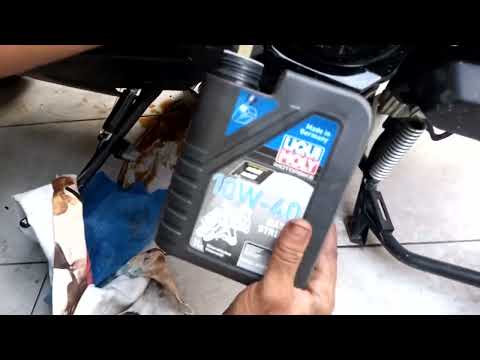
Changing the engine oil on a Yamaha TMAX 560 scooter, as shown in this tutorial, is a very simple and quick task. First, ensure the engine is cool en…

Tmax 560
In this tutorial, we can see how to program a new remote control in the Yamaha TMAX 560 scooter, a very simple and quick operation. To do this, we wi…
|
How to Remove the Engine from a KTM EXC 300?
To remove the engine from the KTM EXC 300, you need to take out the engine block from its housing by unscrewing the bolts that secure it to the supports. Once the engine block is removed, unscrew the bolts that secure the cylinder at the top, then proceed to remove the side casings. Underneath, you will find the piston and other internal components, such as the clutch. The necessary parts can now be replaced, and you can subsequently reassemble all the components that were removed earlier. by ScegliAuto More videos
|
|
For advertising on this site Write to info@scegliauto.com
ScegliAuto is not responsible for any inaccuracy of the data in the lists. To report any inaccuracy or your business (if you own the business in question), please write to info@scegliauto.com
Number of seconds to generate the page: 0.007
(c) ScegliAuto 2026 - info@scegliauto.com - Privacy policy VAT number: IT01247470535 |
