
|
Do it yourself
| |||
| ||||


Model: Yamaha X Max
When the scooter was delivered to us, we were given a 6-digit emergency code, which we will use to activate emergency mode: press and hold the central button until the key icon appears on the display. Release the button. Repeat this process three times in a row. On the third time, the key light on the dashboard will stay on. Now enter the emergency code: the procedure is based on counting the flashes of the key icon. Press and hold the button and count the flashes until the number corresponds to the digit of the code. Release the button at the exact digit. If the code is entered correctly, the key light remains on: press the button and turn the throttle grip. The scooter should start in emergency mode, allowing you to return to base. This code must be memorised and saved on your phone: without it, you cannot restart, and the only solution is to call roadside assistance.
Posted on 14 August 2026 by ScegliAuto
Video tutorial
Related tutorials
X Max
In this video, we will see how to reset the service on a Yamaha X-Max 250. In this specific case, the YouTuber had the service done at a dealership b…

X Max
Today we will see how to replace the rearview mirror of the Yamaha X Max on our own. The cost of a new single mirror at an auto parts store is 35.00€…
X Max
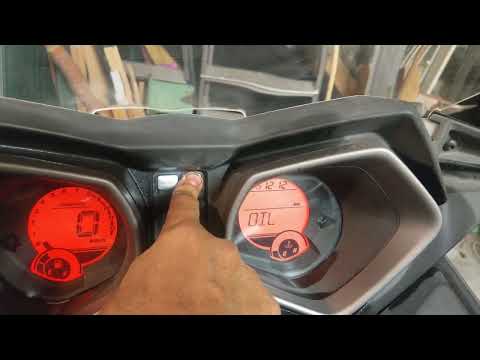
In this video, you can see how to reset the oil light on a Yamaha X-Max 250 scooter. Turn the key and it will immediately show the oil change message…
|
How to Reset the Service on the Husqvarna FE 350?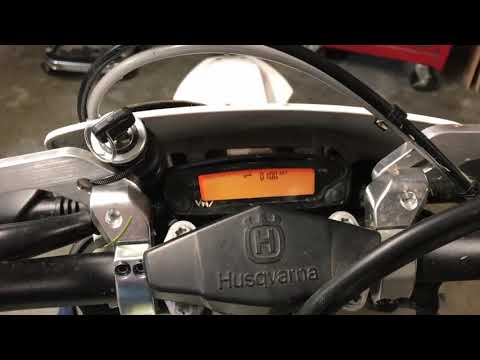
In this tutorial, you will see how to reset the service on the Husqvarna FE 350, a very simple and quick operation. Before proceeding, ensure you have completed all required scheduled maintenance tasks. Start by inserting the key and turning on the instrument panel; it is not necessary to start the engine. Then, repeatedly press the button located to the right of the display until you reach the odometer reading "ODO". Once done, press and hold the opposite button for about 5 seconds, and when the screen changes, press the right button again. by ScegliAuto More videos
|
|
For advertising on this site Write to info@scegliauto.com
ScegliAuto is not responsible for any inaccuracy of the data in the lists. To report any inaccuracy or your business (if you own the business in question), please write to info@scegliauto.com
Number of seconds to generate the page: 0.006
(c) ScegliAuto 2026 - info@scegliauto.com - Privacy policy VAT number: IT01247470535 |
