
|
Do it yourself
| |||
| ||||


Model: Yamaha Mt 125
In this tutorial, see how to set the time on the Yamaha MT 125, a very simple and quick operation to perform, for example, after replacing the battery or when changing the time. First, insert the key and turn on the instrument panel. Then, press and hold the two buttons located in the lower left corner of the display until the time starts to flash. Once done, adjust the hour with quick presses of the right button, switch to minutes with the left button, and similarly adjust the minutes before saving the setting.
Updated on 19 July 2026 by ScegliAuto
Video tutorial
Related tutorials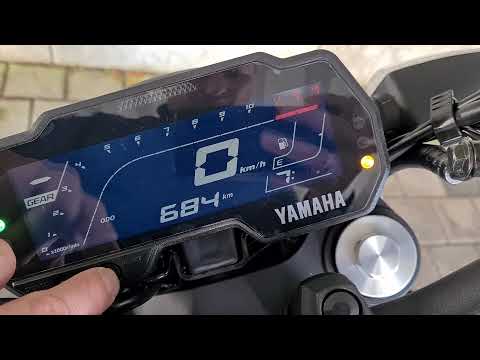
Mt 125
To set the clock on the Yamaha MT 125, turn on the instrument panel by rotating the key in the ignition switch. Once the panel is on, press and hold …
Mt 125
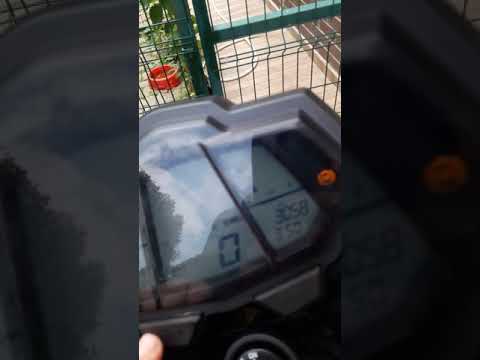
Resetting the oil service on the Yamaha MT-125 is an extremely simple and quick operation. First, ensure you have completed all scheduled maintenance…

Mt 125
In this tutorial, we will see how to change the engine oil in a Yamaha MT-125, a very simple and quick operation. First, wait until the engine is coo…
|
How to Replace the Front Headlight on the BMW F800GS
In this tutorial, you will see how to replace the front headlight on the BMW F800GS, an extremely simple and quick operation. First, ensure the key is not inserted for safety, then locate the power connector at the back of the headlamp and disconnect it by pressing the clip. Next, unscrew the two side bolts using a Torx T40 key, grasp the headlight and pull it away from the support. At this point, you can insert the replacement, tighten the two bolts, and reconnect the power connector. by ScegliAuto More videos
|
|
For advertising on this site Write to info@scegliauto.com
ScegliAuto is not responsible for any inaccuracy of the data in the lists. To report any inaccuracy or your business (if you own the business in question), please write to info@scegliauto.com
Number of seconds to generate the page: 0.101
(c) ScegliAuto 2026 - info@scegliauto.com - Privacy policy VAT number: IT01247470535 |
