
|
Do it yourself
| |||
| ||||


To manually change the time displayed on the central panel of your 2007 Yamaha R6, follow these steps. First, insert the key and turn on the ignition. Then, press and hold the "Reset" and "Select" buttons. As soon as the display starts to flash, release both buttons and press the "Reset" button multiple times to change the hour digits. Next, switch to minutes by pressing the "Select" button and change the minute digits as well. Finally, wait for the display to stop flashing, and the procedure is successfully completed.
Updated on 17 September 2026 by ScegliAuto
Video tutorial
Related tutorials
R6
The guide shows how to replace the air filter of the Yamaha R6. The first operation to be carried out is to remove the seat and the side panels locat…

R6
To change the engine oil of a Yamaha R6, make sure the bike is positioned on a stable stand and that the engine is warm to facilitate the draining of…
|
How to Remove the Rear Wheel on the BMW G650 GS?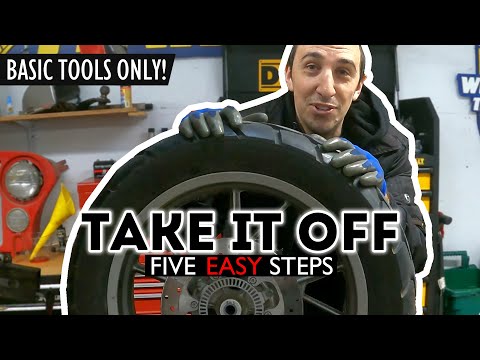
In this tutorial, you will see how to remove the rear wheel on the BMW G650 GS, a very simple operation. First, lift the motorcycle from the central area using a stand or a jack, then undo the right nut with a 24 mm socket and the left one with a 19 mm spanner. Once done, using a Torx T40 key, unscrew the two chain tensioner bolts exactly half a turn each, until you loosen the tension. Finally, push the wheel towards the inside of the motorcycle, remove the chain from the sprocket, and extract the inner pin using a hammer. by ScegliAuto More videos
|
|
For advertising on this site Write to info@scegliauto.com
ScegliAuto is not responsible for any inaccuracy of the data in the lists. To report any inaccuracy or your business (if you own the business in question), please write to info@scegliauto.com
Number of seconds to generate the page: 0.199
(c) ScegliAuto 2026 - info@scegliauto.com - Privacy policy VAT number: IT01247470535 |
