
|
Do it yourself
| |||
| ||||


Model: Yamaha Fz6
In this tutorial, you will see how to reset the engine warning light on a Yamaha FZ6, a very simple and quick operation. Before doing this, ensure that you have resolved the issue that caused the light to illuminate. Start by inserting the key and turning the selector to the "RUN" position, then press and hold the two buttons located below the display while simultaneously turning on the instrument panel. Keep the two buttons pressed again to enter the diagnostic menu, turn the selector to the "OFF" position, navigate to "D62" and reset any error code by turning the selector back to the "RUN" position. Repeat the operation for "D63" and restart the instrument panel.
Updated on 23 September 2026 by ScegliAuto
Video tutorial
Related tutorials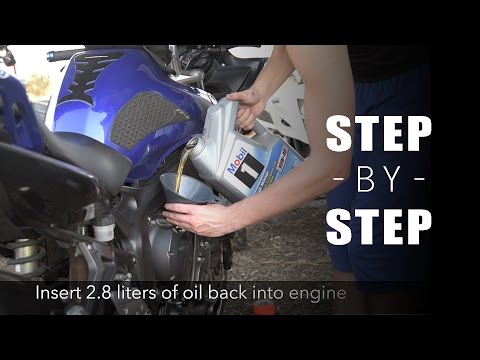
Fz6
In today’s tutorial, see how to replace the engine oil and oil filter while performing routine maintenance on a Yamaha FZ6 and FZ6 Fazer. First, posi…
Fz6
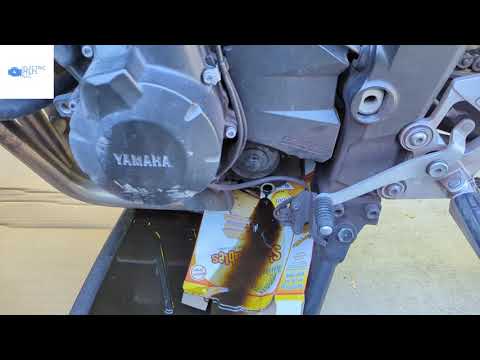
In this tutorial, you will see how to change the engine oil in a Yamaha FZ6, a very simple and quick operation to perform every 12 months. First, wai…

Fz6
In this tutorial, you can see how to change the engine oil in the Yamaha FZ6, a very simple and quick operation to perform every 12 months. First, en…
|
How to replace the coolant in the BMW S1000 R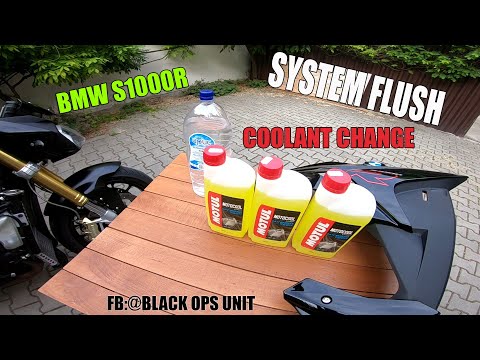
Today, we will see in this video tutorial how to bleed and replace the coolant in the BMW S1000 R motorcycle. First, place your motorcycle on a stand and start unscrewing the bleed screw located on the water pump casing, found at the bottom right; let the fluid drain into a container for about ten minutes. Now, unscrew the radiator cap and top up with the new coolant, the correct type for your radiator; fill it to the maximum level mark, starting the engine to circulate the fluid! by ScegliAuto More videos
|
|
For advertising on this site Write to info@scegliauto.com
ScegliAuto is not responsible for any inaccuracy of the data in the lists. To report any inaccuracy or your business (if you own the business in question), please write to info@scegliauto.com
Number of seconds to generate the page: 0.111
(c) ScegliAuto 2026 - info@scegliauto.com - Privacy policy VAT number: IT01247470535 |
