
|
Do it yourself
| |||
| ||||


|
Model: Aprilia Scarabeo 250 Gt
Today, you will learn how to change the colour of your Scarabeo using removable full dip paint. Cover the headlight and front indicators, the Aprilia logo, and the side vents with paper. Also, using thick paper or cardboard, cover the footrest, seat, and rear lights as shown in the video. A hazelnut brown was chosen for this, starting with a black base coat of full dip. Only afterwards will we apply the brown spray: this method (black base first, then colour) should only be used for painting with dark colours. Remove the various pieces of paper.
Updated on 5 April 2026 by ScegliAuto
Video tutorial
Related tutorials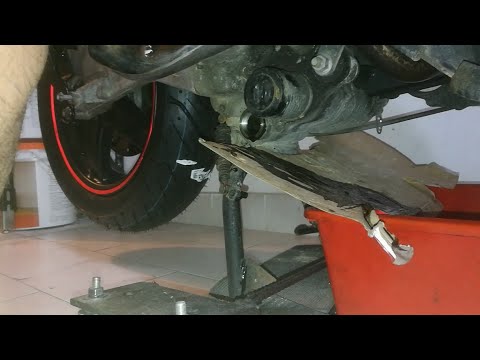
Scarabeo 250 Gt
This guide will illustrate the procedure for servicing the Aprilia Scarabeo 250 scooter by replacing the engine oil and oil filter. First, place your…

Scarabeo 250 Gt
To replace the rear brake pads on an Aprilia Scarabeo 250 GT, remove the caliper for easier access to all components. First, unscrew the two bolts th…
|
How to Access the Battery in the Benelli 180S?
In this tutorial, you will see how to access the battery in the Benelli 180S, a very simple operation useful if you need to recharge or replace it. First, ensure that the key is not inserted, then remove the passenger seat and, using the provided keys, unscrew the two bolts securing the rider's seat. Once removed, unscrew the screws of the upper plastic bracket, disconnect both terminals starting with the negative, and extract the battery from its housing. To install a replacement, simply follow the reverse procedure. by ScegliAuto More videos
|
|
For advertising on this site Write to info@scegliauto.com
ScegliAuto is not responsible for any inaccuracy of the data in the lists. To report any inaccuracy or your business (if you own the business in question), please write to info@scegliauto.com
Number of seconds to generate the page: 0.005
(c) ScegliAuto 2026 - info@scegliauto.com - Privacy policy VAT number: IT01247470535 |
