
|
Do it yourself
| |||
| ||||


Model: Aprilia Rs 660
In this new mini guide dedicated to your Aprilia RS 660, we will discover the various steps necessary to manually change the time displayed on the central display. First, insert the key and turn on the ignition, then press and hold the right arrow button for a few seconds and release it as soon as the new menu appears. At this point, scroll down and select the "Dashboard" option. Enter "Clock" and select "Set time". Now proceed to manually adjust the hour and minute digits and, finally, save the changes.
Updated on 5 July 2026 by ScegliAuto
Video tutorial
Related tutorials
Rs 660
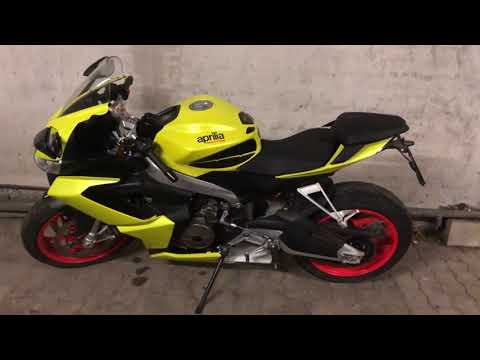
Today we will discover the instructions that will allow us to change the driving modes or engine mappings on the Aprilia RS 660, as well as on the Tu…
Rs 660
Below are the steps to remove and replace the battery on an Aprilia RS 660 motorcycle, following the instructions provided. First, place the motorcyc…
Rs 660
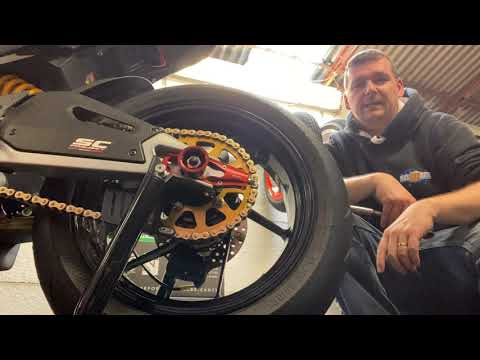
Today we will discover the instructions that will allow us to disassemble and replace the rear wheel of the Aprilia RS 660 motorcycle. First, we put …
|
How to Remove the Front Wheel of a Vespa LX 125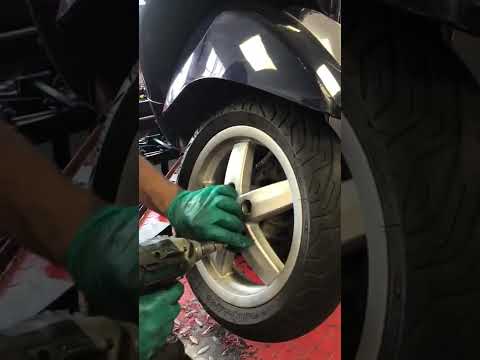
To correctly remove the front wheel of your Vespa LX 125, follow these few simple steps outlined in this guide. Before starting, ensure you have a battery-powered screwdriver available. Next, completely turn off your Vespa LX 125 and preferably leave it in an elevated position. At this point, use your battery-powered screwdriver to remove all the screws on the rim. Once done, gently pull the front wheel towards you to fully detach it. by ScegliAuto More videos
|
|
For advertising on this site Write to info@scegliauto.com
ScegliAuto is not responsible for any inaccuracy of the data in the lists. To report any inaccuracy or your business (if you own the business in question), please write to info@scegliauto.com
Number of seconds to generate the page: 0.007
(c) ScegliAuto 2026 - info@scegliauto.com - Privacy policy VAT number: IT01247470535 |
