
|
Do it yourself
| |||
| ||||


How to reset the tire pressure warning light in the Audi A4?
Model: Audi A4
B9
- Years 2014-2024
In this tutorial we can see how to reset the tire pressure light in the Audi A4, an extremely simple and quick operation, to be done only once the correct pressure of each tire has been restored following the instructions in the manual. First of all, let's go inside the cabin, then turn on the instrument panel and press the "MENU" button on the central console. Select "Vehicle", scroll the screen to the left, enter "Service & Checks", "Tire Pressure Monitoring", and reset by selecting the "Store pressures" option.
Posted on 24 May 2025 by ScegliAuto
Video tutorial
Related tutorials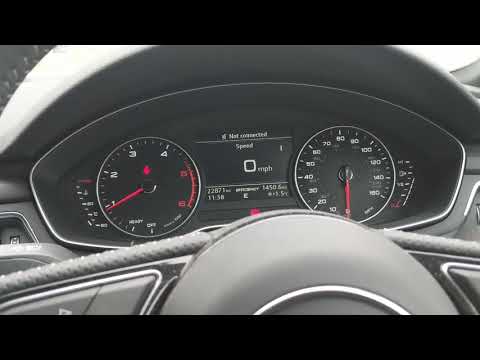
Audi A4
(2014-2024 /
B9)
To reset the tire pressure warning light on the Audi A4, you need to turn on the instrument panel by selecting the "Car" option on the display in the…
Audi A4
(2007-2016 /
B8)
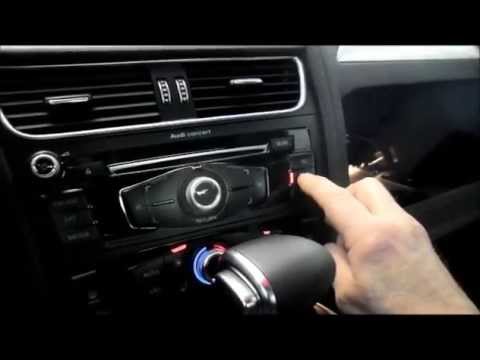
Resetting the tire pressure warning light in the Audi A4, as we can see in this tutorial, is an extremely simple and fast operation. Before proceedin…
Audi A4
(2007-2016 /
B8)
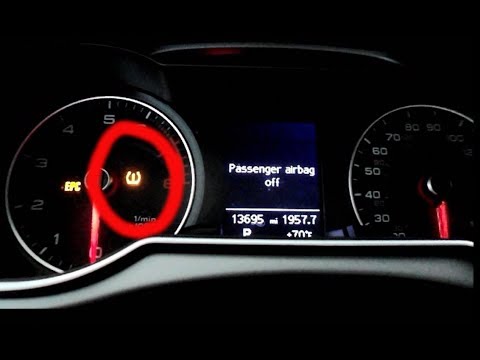
.. In this tutorial, we can see how to reset the tire pressure warning light in the Audi A4, a very simple and quick operation that should.. …
Other guides you may be interested in |
How to Open the Key Battery of a Volkswagen Golf 7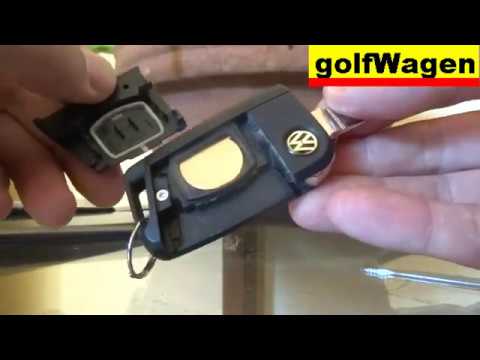
How do you open the key fob of a Volkswagen Golf Series 7? Take your key fob and press the release button of the metal key; once the metal key pops out, use a screwdriver to pry between the two halves of the key fob (in the space where the metal key fits). Pry until the cover opens, then extract the worn battery with a small screwdriver. Get a new battery of the same size and voltage. Join the two parts: press the key fob case until you hear it click into place. Check the proper functioning of the key fob by operating the buttons. by ScegliAuto More videos
|
|
For advertising on this site Write to info@scegliauto.com
ScegliAuto is not responsible for any inaccuracy of the data in the lists. To report any inaccuracy or your business (if you own the business in question), please write to info@scegliauto.com
Number of seconds to generate the page: 0.072
(c) ScegliAuto 2026 - info@scegliauto.com - Privacy policy VAT number: IT01247470535 |
