
|
Do it yourself
| |||
| ||||



How to Reset the Service Light on an Audi A1
Model: Audi A1
8X, MK 1
- Years:
2010, 2011, 2012, 2013, 2014, 2015, 2016, 2017, 2018
Video tutorial
You can completely clear the Service light from the display of the Audi A1 by inserting the key and turning it to switch on the instrument cluster. This allows you to press the SET button located to the left of the instrument cluster to navigate within the menu. When the message appears showing the remaining kilometres until the next maintenance and the icon of the spanner, you can reset the maintenance interval and the corresponding light by holding down the 0.0 button located to the right of the cluster. Once the maintenance interval is reset, you can release the button and remove the key.
Posted on 24 February 2026 by ScegliAuto
Related tutorials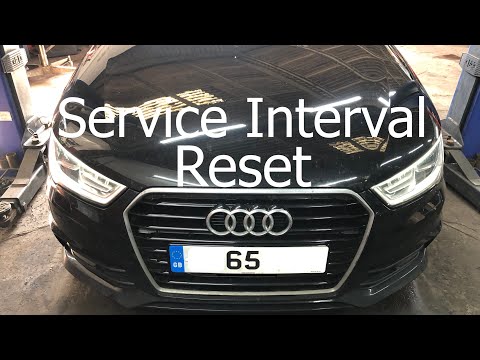
Audi A1
(2010-2018 /
8X, MK 1)
To reset the service light on the Audi A1, turn on the instrument panel and navigate through the menu that appears on the display in the centre of th…
Audi A1
(2010-2018 /
8X, MK 1)
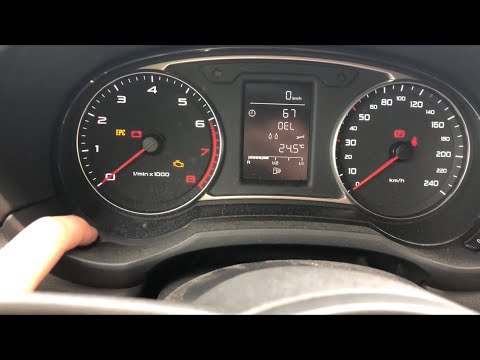
To reset the Service light on the Audi A1, insert the key and turn it to switch on the instrument cluster. This will allow you to press the SET butto…

Audi A1
(2010-2018 /
8X, MK 1)
In addition to using the OBD port, you can reset the service light on the Audi A1 through the MMI system. To do this, after fully starting the system…
Other guides you may be interested in
|
How to Open the Fuel Flap on a Volkswagen Tiguan?
To open the fuel flap on a Volkswagen Tiguan, first unlock the car using the appropriate button on the remote. This will open the car and unlock the mechanism that controls the fuel flap. At this point, apply light pressure to the left side of the flap to open it and access the cap underneath. Once this is unscrewed, you can refuel and then close everything. by ScegliAuto More videos
|
|
For advertising on this site Write to info@scegliauto.com
ScegliAuto is not responsible for any inaccuracy of the data in the lists. To report any inaccuracy or your business (if you own the business in question), please write to info@scegliauto.com
Number of seconds to generate the page: 0.099
(c) ScegliAuto 2026 - info@scegliauto.com - Privacy policy VAT number: IT01247470535 |
