
|
Do it yourself
| |||
| ||||


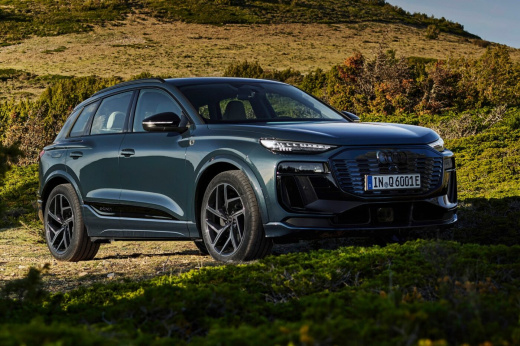
How to Change the Key Battery on an Audi Q6 e-tron
Model: Audi Q6 e-tron
- Years:
2024, 2025, 2026
Video tutorial
On the Audi Q6 e-tron, the key uses a CR2032 3V battery. To replace it: extract the emergency key by pressing the button on the silver part and sliding it out. Then, insert the emergency key into the opening and push it in the direction of the arrow to activate the internal release button, removing the battery cover. The manual explicitly warns against prying the cover to reduce the risk of damage. The video struggled a lot as it attempted to pry with the key in a way that did not work well. Once opened, remove the old battery and insert the new one with the positive (+) side facing up. Close the cover by snapping it back on and reinsert the emergency key. On the Q6 forum, some users report that the key battery drains quite quickly (some have changed it twice in three months!). If the key dies completely, remember there is an emergency point in the cabin (near the phone holder or cup holder) to start the car.
Posted on 5 November 2026 by ScegliAuto
Related tutorials
Audi Q6 e-tron
(2024-2026 /
MK 1)
.. the battery of the key remote for the Audi Q6 E-Tron. First, take the remote in hand and begin by removing the physical key from inside; then, pry off.. …

Audi Q6 e-tron
(2024-2026 /
MK 1)
On the Audi Q6, the cabin filter is accessed from the passenger side, working in the area under the glove compartment. Before you start, turn off the…
Other guides you may be interested in
|
How to Set the Time on an Audi A6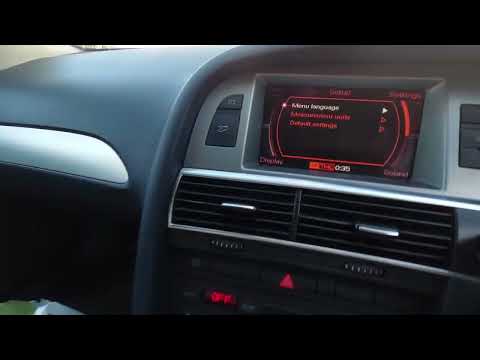
Briefly, we will see the instructions to set the time on the Audi A6 by following these simple steps. First, get inside the vehicle and turn on the instrument cluster; then press the settings button and navigate to the time option to confirm your choice, as shown in the video. At this point, set the correct time and format, then exit the settings menu to save the changes made; finally, start the engine and ensure that the time has been set correctly! by ScegliAuto More videos
|
|
For advertising on this site Write to info@scegliauto.com
ScegliAuto is not responsible for any inaccuracy of the data in the lists. To report any inaccuracy or your business (if you own the business in question), please write to info@scegliauto.com
Number of seconds to generate the page: 0.134
(c) ScegliAuto 2026 - info@scegliauto.com - Privacy policy VAT number: IT01247470535 |
