
|
Do it yourself
| |||
| ||||


Removing the window control panel on Audi A4
Model: Audi A4
B7
- Years 2004-2008
Removing the push button panel of an Audi A4? Let's see how the window lifter buttons are removed. We remove the satin aluminum molding placed in the upper part of the door, then we remove the lower cover of the handle (where the buttons are). Using a screwdriver, unscrew the screws of the upper lever of the door opening, unscrew the other screws on the door panel. We detach the panel clamping clips with a lever, remove the panel. We unscrew the tightening screws at the rear of the window control panel. We replace the old keypad with a new one. We mount the panel.
Posted on 21 September 2020 by ScegliAuto
Video tutorial
Related tutorials
Audi A4
(2004-2008 /
B7)
Today's brief instructions will show us the process of disassembly and replacement (or repair) of the window regulator mechanism of the Audi A4. Firs…
Audi A4
(2004-2008 /
B7)
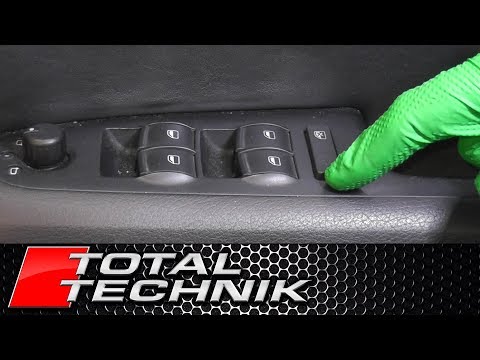
In this video tutorial we will see how to disassemble the window control panel of an Audi A4. First we go to access the interior of the car to disass…
Audi A4
(2004-2008 /
B7)
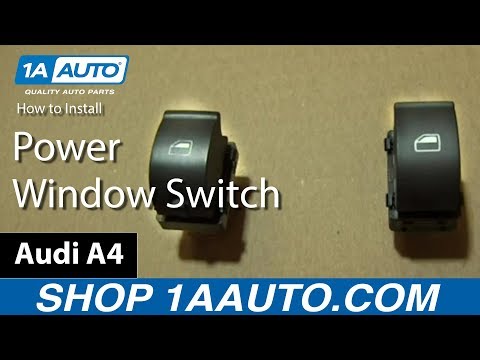
In today's video we will see how to remove the passenger side window lift button on an Audi A4 third series. First we open the bonnet and disconnect …
Other guides you may be interested in
|
How to Remove the Original Radio on a Ford C Max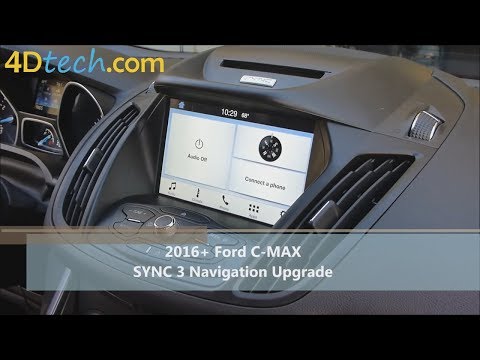
Learn how to remove the original radio on a Ford C Max. First, use a plastic trim tool to remove the upper dashboard cover panel, then, with the aid of a screwdriver, unscrew the securing screws located on the metal tabs at the top sides of the stereo. Now, pull the air vents with the integrated frame away from the dashboard, unscrew the side securing screws of the stereo, disconnect the various power connectors located at the rear of the stereo and the antenna reception cable, and extract the radio from its housing. To reassemble the various disassembled parts, proceed in reverse order. by ScegliAuto More videos
|

|
For advertising on this site Write to info@scegliauto.com
ScegliAuto is not responsible for any inaccuracy of the data in the lists. To report any inaccuracy or your business (if you own the business in question), please write to info@scegliauto.com
Number of seconds to generate the page: 0.117
(c) ScegliAuto 2026 - info@scegliauto.com - Privacy policy VAT number: IT01247470535 |
