
|
Do it yourself
| |||
| ||||


How to Replace the Reverse Switch on an Audi A4
Model: Audi A4
B6
- Years:
2000, 2001, 2002, 2003, 2004
Video tutorial
How do you replace the brake switch on an Audi A4? Let's see how to change it. Open the inspection compartment at the lower left of the dashboard (remove the plastics under the steering wheel). Reach in and locate the brake button (as shown in the video). Press the button until it pops out of its housing (disconnect the power connector). Install the new brake button: first connect the plug to the button, then insert it into the button housing. Test the proper operation of the brake button. Reinstall all the covering plastics in their place.
Updated on 19 March 2026 by ScegliAuto
Related tutorials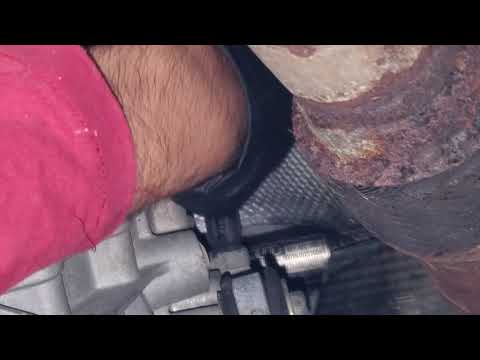
Audi A4
(2000-2004 /
B6)
As seen in the attached video tutorial, on the Audi A4 B6, the reverse light switch is located right in the transmission housing, near the driver’s s…
Audi A4
(2004-2008 /
B7)
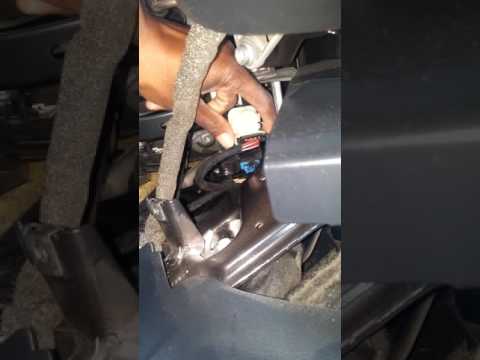
To replace the brake pedal switch on an Audi A4, remove the entire trim panel located behind the pedal assembly. Once this panel is removed, you will…
Audi A4
(2004-2008 /
B7)
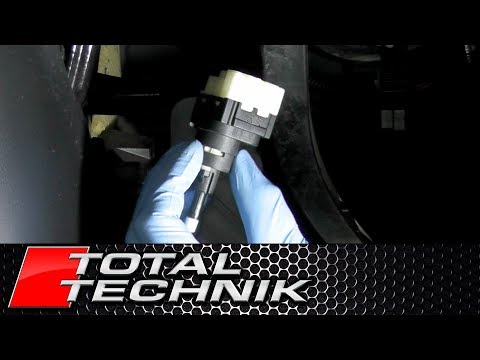
Below are the instructions to remove and replace the rear brake pedal switch on the Audi A4. First, get inside the vehicle on the driver's side and s…
Other guides you may be interested in
|
Where are the fuses located on the Renault Laguna?
On the Renault Laguna, the fuses are located inside the fuse boxes installed in the vehicle: in this car model, you will find two boxes for containing the fuses. The first is in the fuse box on the left side of the dashboard, accessible by opening the driver's door: here you will find the fuses for the windscreen wipers, fog lights, horn, etc. The second box is located on the right side of the engine compartment: here you will find the fuses for the dipped headlights, radiator fan, alternator, etc. by ScegliAuto More videos
|
|
For advertising on this site Write to info@scegliauto.com
ScegliAuto is not responsible for any inaccuracy of the data in the lists. To report any inaccuracy or your business (if you own the business in question), please write to info@scegliauto.com
Number of seconds to generate the page: 0.032
(c) ScegliAuto 2026 - info@scegliauto.com - Privacy policy VAT number: IT01247470535 |
