
|
Do it yourself
| |||
| ||||


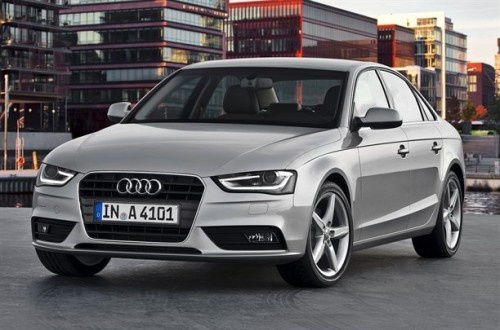
How to Insert the Logo on the Audi Steering Wheel
Model: Audi A4
B8
- Years:
2007, 2008, 2009, 2010, 2011, 2012, 2013, 2014, 2015, 2016
Video tutorial
Inserting an additional logo on the steering wheel of an Audi vehicle is an extremely simple operation. Today, with the help of this short video tutorial, you will learn how to perform this task easily and in just a few minutes. The first step is to take measurements for the logo; this step is crucial to understand where to position it and how large the stencil should be for the next step. Once you have taken the measurements of the logo and positioned tape as a stencil, start cutting. The second step is to create an opening to insert the logo. Remove all pieces, being careful not to go too deep, and then insert the logo. The third and final step is to apply black silicone inside the hole and glue the logo in place.
Updated on 4 September 2026 by ScegliAuto
Related tutorials
Audi A4
(2007-2016 /
B8)
Let's see in this video how to make a low-budget modification that has a big impact on the aesthetics of the car. In fact, simply changing the "Audi"…
Audi A4
(2014-2024 /
B9)
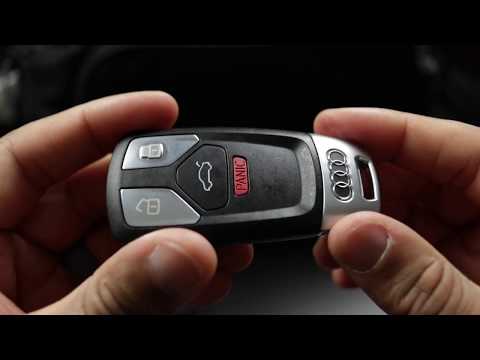
How to replace the dead battery in an Audi A4 remote? Follow these steps: Take your remote and detach the metal part on the side. Next, press the two…
Audi A4
(2014-2024 /
B9)
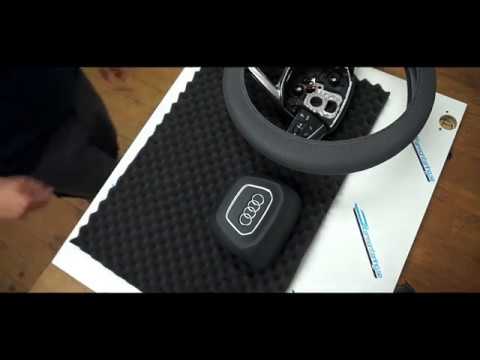
Today we will explain how to remove the steering wheel airbag on a 2017 Audi A4 independently. To perform this operation, it is necessary to rotate t…
Other guides you may be interested in
|
Where are the fuses located on the Renault Laguna?
On the Renault Laguna, the fuses are located inside the fuse boxes installed in the vehicle: in this car model, you will find two boxes for containing the fuses. The first is in the fuse box on the left side of the dashboard, accessible by opening the driver's door: here you will find the fuses for the windscreen wipers, fog lights, horn, etc. The second box is located on the right side of the engine compartment: here you will find the fuses for the dipped headlights, radiator fan, alternator, etc. by ScegliAuto More videos
|
|
For advertising on this site Write to info@scegliauto.com
ScegliAuto is not responsible for any inaccuracy of the data in the lists. To report any inaccuracy or your business (if you own the business in question), please write to info@scegliauto.com
Number of seconds to generate the page: 0.033
(c) ScegliAuto 2026 - info@scegliauto.com - Privacy policy VAT number: IT01247470535 |
