
|
Do it yourself
| |||
| ||||



How to Reset the Brake Light on Audi A4 B7
Model: Audi A4
B7
- Years:
2004, 2005, 2006, 2007, 2008
Video tutorial
In today's tutorial video, you will see a solution on how to reset the brake pad wear light on an Audi A4 B7. Before performing the operation, you must replace the worn brake pads. First, remove the front wheels and disconnect the electrical connector of the brake pad sensor. Also, remove the sensor itself from the braking system, as shown in the video. At this point, cut the connector and strip the wires. Finally, insulate them to permanently eliminate the annoying brake light that appears on the instrument panel.
Updated on 9 April 2026 by ScegliAuto
Related tutorials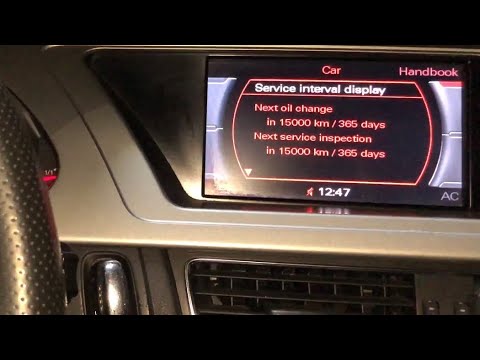
Audi A4
(2004-2008 /
B7)
In this video, you will learn how to reset the service light for routine maintenance on an Audi A4 B8: let's go over the main steps! First, get insid…
Audi A4
(2007-2016 /
B8)
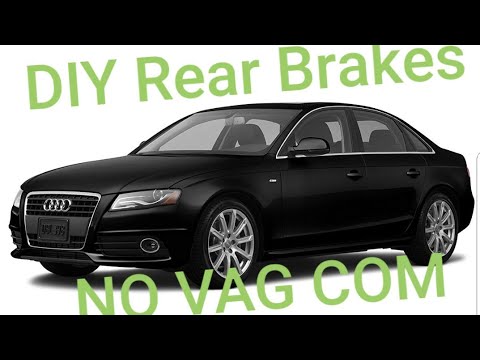
This guide provides instructions for replacing the rear brake pads with an electric parking brake on the Audi A4 without using a diagnostic tool. Fir…
Audi A4
(2014-2024 /
B9)
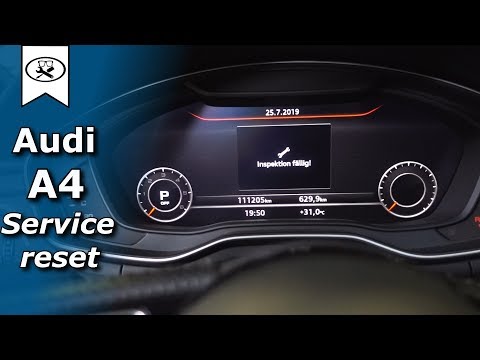
To reset the Service light on the Audi A4 B9, turn on the ignition and navigate through the menu that appears on the central display: by going into S…
Other guides you may be interested in
|
Frequently Asked QuestionsHow to Set the Time on an Audi A6
Briefly, we will see the instructions to set the time on the Audi A6 by following these simple steps. First, get inside the vehicle and turn on the instrument cluster; then press the settings button and navigate to the time option to confirm your choice, as shown in the video. At this point, set the correct time and format, then exit the settings menu to save the changes made; finally, start the engine and ensure that the time has been set correctly! by ScegliAuto More videos
|
|
For advertising on this site Write to info@scegliauto.com
ScegliAuto is not responsible for any inaccuracy of the data in the lists. To report any inaccuracy or your business (if you own the business in question), please write to info@scegliauto.com
Number of seconds to generate the page: 0.029
(c) ScegliAuto 2026 - info@scegliauto.com - Privacy policy VAT number: IT01247470535 |
