
|
Do it yourself
| |||
| ||||


How to connect bluetooth on Audi MMI system
Model: Audi Audi Various
Turn on the instrument cluster so that you can click on the touch screen of the on-board computer. On the main screen you can see how, among the various items, there is the one concerning the phone. Click on this icon and then click on the central part of the screen on the page that has now appeared. If the bluetooth is visible and switched on on your mobile phone, the car will find it at the end of the search. Click on the icon for your mobile phone and confirm the connection. Accept the required consents and that's it. As you can see it is really a very simple operation. Bye!
Posted on 7 June 2021 by ScegliAuto
Video tutorial
Related tutorials
Audi Audi Various
In this video, we can see how to reset the MMI system (basically the car radio) of our Audi. The system is valid for most vehicles of the brand that …

Audi Audi Various
If suddenly the touch commands of the Audi MMI multimedia system do not respond adequately or the navigator freezes on a screen, it is advisable to r…

Audi Audi Various
In this tutorial we can see how to reset the MMI multimedia system in an Audi, an extremely simple and fast operation, to be carried out for example …
Other guides you may be interested in
|
BMW X1 Battery Replacement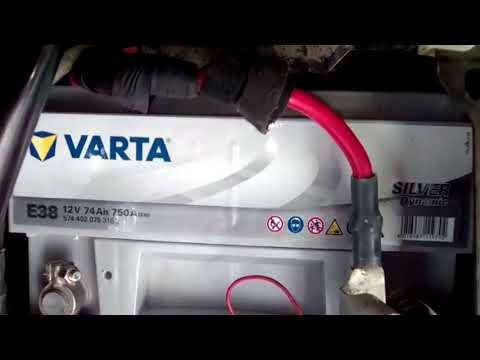
In this video tutorial, you will learn how to remove and replace the battery in a BMW X1. First, lift the hood and locate the battery. Next, use a wrench to remove the air filter hose and disconnect the nearby tubes along with the entire airbox, as shown in the video. Remove the cover bar over the battery by unscrewing all the bolts on both sides. Once removed, disconnect the battery terminals by unscrewing the nuts. At this point, remove the bracket at the bottom that holds it in place by unscrewing the bolt, and then extract the battery! by ScegliAuto More videos
|
|
For advertising on this site Write to info@scegliauto.com
ScegliAuto is not responsible for any inaccuracy of the data in the lists. To report any inaccuracy or your business (if you own the business in question), please write to info@scegliauto.com
Number of seconds to generate the page: 0.055
(c) ScegliAuto 2026 - info@scegliauto.com - Privacy policy VAT number: IT01247470535 |
