
|
Do it yourself
| |||
| ||||


Replacing Front Brake Rotors and Pads
Model: Audi A6
MK 3, C6
- Years 2004-2012
Lift the vehicle on appropriate jack stands and remove the front wheel; disconnect the wear sensor connector, remove the retaining spring, and unscrew the caliper mounting bolts (after removing the protective caps) to take it off; then extract the old pads and remove the caliper bracket and the rotor retaining bolt, taking it off the hub; clean the hub area of any oxidation residue, apply grease, and install the new rotor after cleaning it from protective oil; reattach the caliper bracket, compress the piston using a suitable tool, and install the new pads, securing the caliper in its place and reconnecting the wear sensor connector.
Updated on 14 February 2026 by ScegliAuto
Video tutorial
Related tutorials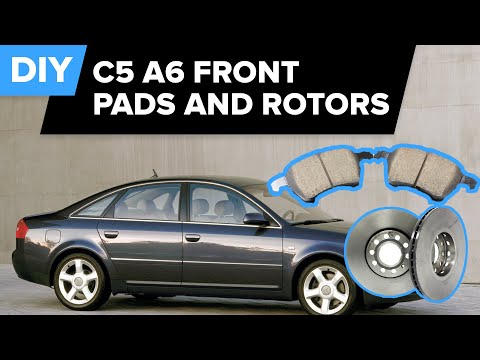
Audi A6
(1997-2004 /
MK 2, C5)
A mechanic demonstrates how to remove and replace the brake discs and pads. He shows the vehicle already lifted with the wheels removed.
In this vid…
Audi A6
(2004-2012 /
MK 3, C6)
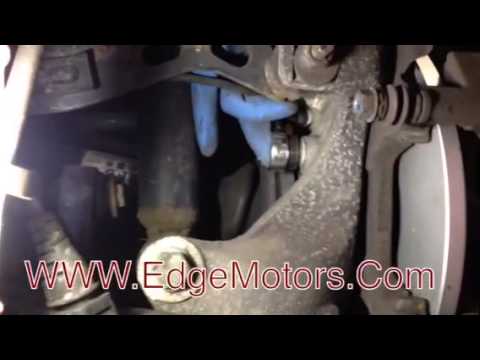
Replacing the brake pads is a fairly simple task. For the rear brake, compared to the front, it requires removing the wheel for better access. The pr…
Audi A6
(2004-2012 /
MK 3, C6)
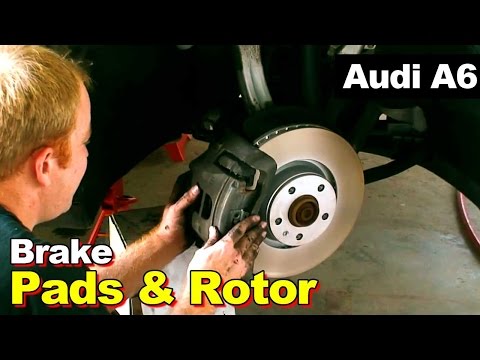
Lift the vehicle securely. Remove the wheel by unscrewing the bolts. Remove the return spring of the pads and then take out the retainers. Unscrew th…
Other guides you may be interested in
|
How to Clean the Injectors on BMW 3 Series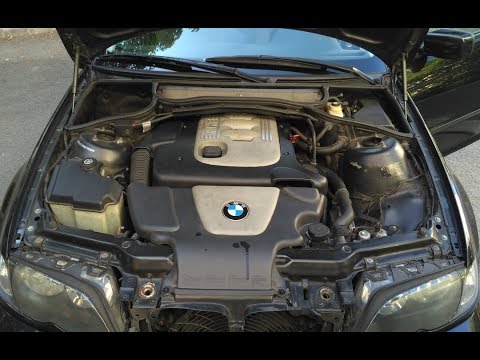
Let's see how to clean the injectors on BMW 3 Series with the appropriate cleaning kit. Lift the hood and secure it with the prop rod, then disconnect the fuel supply hose that leads to the injectors. Connect the pressure gauge and the cleaning kit to the fuel lines; start running the cleaning fluid from the previously connected kit through the fuel lines of the injectors (repeat this process several times). Disconnect everything and start the engine. Reinstall the fuel line leading to the injectors after cleaning them of any dirt and deposits. by ScegliAuto More videos
|
|
For advertising on this site Write to info@scegliauto.com
ScegliAuto is not responsible for any inaccuracy of the data in the lists. To report any inaccuracy or your business (if you own the business in question), please write to info@scegliauto.com
Number of seconds to generate the page: 0.054
(c) ScegliAuto 2026 - info@scegliauto.com - Privacy policy VAT number: IT01247470535 |
