
|
Do it yourself
| |||
| ||||


How to disable the Start&Stop feature in the Audi A6?
Model: Audi A6
MK 5, C8
- Years 2018-2026
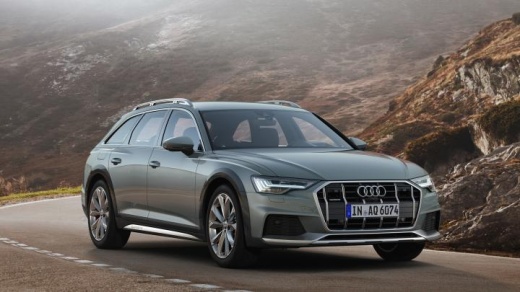
In this tutorial we can see how to permanently deactivate the Start&Stop feature in the Audi A6 Allroad, a very simple operation to be carried out in case we find the system too intrusive. To proceed with the deactivation, we will need the VCDS application shown in the video, to be interfaced via PC to the car's OBD port. Once this is done, we enter the "09-Cent. Elect." section, enter the security code, select "Adaptation", enter the number "34" in the first field and press the "Read" button. Finally, we replace "28" with "32", save and restart the vehicle.
Posted on 27 March 2024 by ScegliAuto
Video tutorial
Related tutorials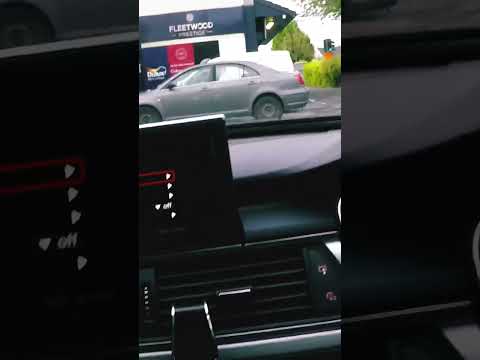
Audi A6
(2011-2018 /
MK 4, C7)
The tire pressure sensor in the Audi A6 mk7, produced from 2011 to 2018, can be reset using the vehicle's monitor. After checking the tire pressure, …
Audi A6
(2004-2012 /
C6, MK 3)
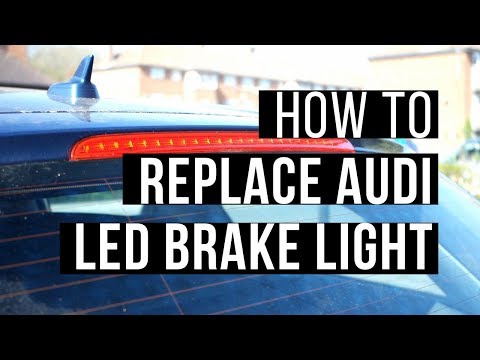
On the upper edge of the rear hatch of this Audi model, the LED third brake light is located. To replace it, you should remove the plastic cover of t…

Audi A6
(1997-2004 /
MK 2, C5)
To clear the service light on an Audi A6, use the two buttons on the instrument cluster. After replacing the oil filter and the related filter, if yo…
Other guides you may be interested in |
How to Reset Service Light on Fiat 500L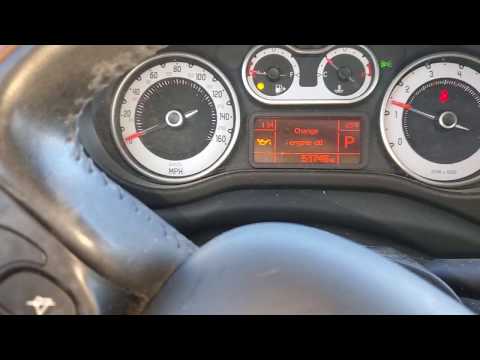
How to remove the service light on a Fiat 500L? Let's see how to do it. Enter the vehicle and turn on the instrument panel. Press the accelerator pedal six times in a row, then release the pedal. Turn off the instrument panel and remove the key from the ignition. Reinsert the key and turn on the instrument panel, then wait for it to illuminate. Check the changes made to the car and see if the light has disappeared. Always remember to carry out onboard computer modifications with the engine off. Perform the reset safely. by ScegliAuto More videos
|
|
For advertising on this site Write to info@scegliauto.com
ScegliAuto is not responsible for any inaccuracy of the data in the lists. To report any inaccuracy or your business (if you own the business in question), please write to info@scegliauto.com
Number of seconds to generate the page: 0.052
(c) ScegliAuto 2026 - info@scegliauto.com - Privacy policy VAT number: IT01247470535 |
