
|
Do it yourself
| |||
| ||||


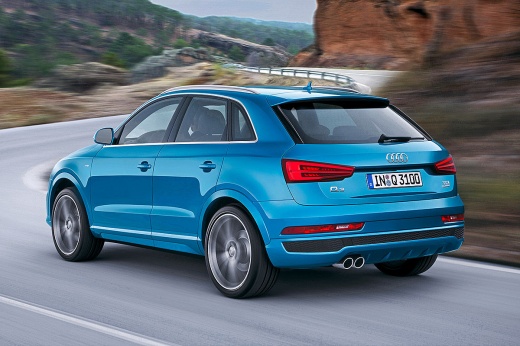
How to reset the service in the Audi Q3?
Model: Audi Q3
8U
- Years 2011-2018
In this tutorial, we can see how to reset the service in the Audi Q3, an extremely simple and quick operation, to be carried out only after completing all the scheduled maintenance work required. First of all, let's go inside the cabin, then turn on the instrument panel and, using the directional buttons on the central console, go to the "CAR" section. Then enter "Services & Checks", "Service intervals" and perform the reset using the appropriate option. To verify that the operation was successful, we can restart the instrument panel.
Posted on 29 March 2024 by ScegliAuto
Video tutorial
Related tutorials
Audi Q3
(2018-2025 /
F3)
In this new mini guide, we will discover how to correctly perform the manual reset of the service light on the instrument panel of your 2020 Audi Q3.…

Audi Q3
(2018-2025 /
F3)
In this tutorial, you will see how to reset the service light on an Audi Q3, a very simple and quick operation to perform only after completing all s…

Audi Q3
(2011-2018 /
8U)
In this video, we see how to reset the service light on a 2017 Audi Q3: turn on the ignition, press the "menu" button located on the left side of the…
Other guides you may be interested in |
How to Remove the Door Panel on Nissan Micra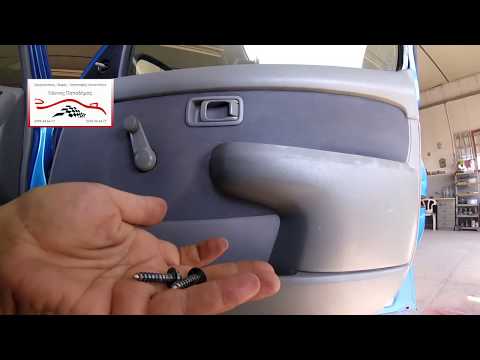
How do you remove the door panel (right side) on a Nissan Micra? Use a lever or screwdriver to pry at the handle on the door panel, detach it, and disconnect the terminals of the window switch (manual crank). Use a fixed screwdriver to unscrew the screws on the panel, then use a plastic lever to unclip all the clips around the perimeter of the door. Finally, pull away the panel with your hands, disconnecting the opening lever cable, the window lifter terminals, and the speakers. Reassemble everything by reversing the steps. by ScegliAuto More videos
|
|
For advertising on this site Write to info@scegliauto.com
ScegliAuto is not responsible for any inaccuracy of the data in the lists. To report any inaccuracy or your business (if you own the business in question), please write to info@scegliauto.com
Number of seconds to generate the page: 0.043
(c) ScegliAuto 2026 - info@scegliauto.com - Privacy policy VAT number: IT01247470535 |
