
|
Do it yourself
| |||
| ||||


Model: Beta Rr 450
To replace the clutch on a Beta RR 450, loosen the screws that secure the clutch protection cover, located on the right side of the bike. Once the screws are loosened, detach the cover from its housing and remove the clutch from its compartment. After all the clutch discs have been removed, insert the new clutch into its housing and secure the discs, then cover everything with the corresponding cover.
Updated on 10 September 2026 by ScegliAuto
Video tutorial
Related tutorials
Rr 450
Today, discover the instructions that will allow you to remove and replace the clutch on the Beta RR 450 enduro bike. First, place the bike on a stan…
Rr 450
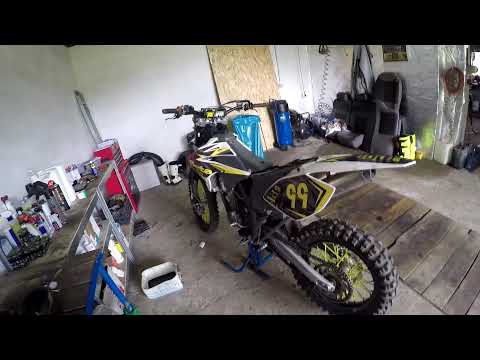
Discover how to replace the engine oil of the Beta RR 450 enduro bike by following these simple steps. First, remove the metal guard located under th…
Rr 450
In this tutorial, we will see how to perform routine maintenance by changing the oil and oil filter on a Beta RR 450 enduro bike. First, drain the ol…
|
How to Set the Time on the Aprilia RS 660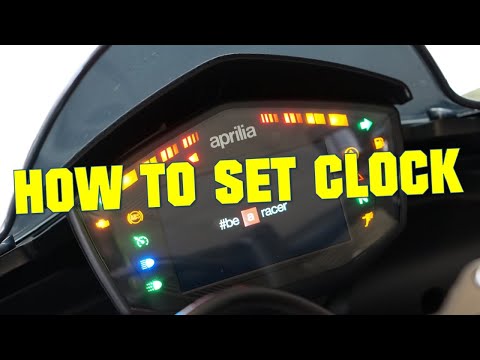
In this new mini guide dedicated to your Aprilia RS 660, we will discover the various steps necessary to manually change the time displayed on the central display. First, insert the key and turn on the ignition, then press and hold the right arrow button for a few seconds and release it as soon as the new menu appears. At this point, scroll down and select the "Dashboard" option. Enter "Clock" and select "Set time". Now proceed to manually adjust the hour and minute digits and, finally, save the changes. by ScegliAuto More videos
|
|
For advertising on this site Write to info@scegliauto.com
ScegliAuto is not responsible for any inaccuracy of the data in the lists. To report any inaccuracy or your business (if you own the business in question), please write to info@scegliauto.com
Number of seconds to generate the page: 0.897
(c) ScegliAuto 2026 - info@scegliauto.com - Privacy policy VAT number: IT01247470535 |
