
|
Do it yourself
| |||
| ||||


Model: Bmw S1000 Rr
In this new mini guide dedicated to the world of motorcycles, you will learn how to manually set the digital clock on your BMW S1000 RR. The entire procedure takes only a few minutes to complete, and no external tools are required. First, insert the key and turn on the ignition. Next, press the "Set" button multiple times until you see the "Setup Menu" option. At this point, hold down the "Set" button until the "Setup EqipClock" option appears. Press the same button again, and as soon as the minute digits start to flash, use "Trip" to modify them. Repeat the same procedure for the hour digits. Finally, go back to save the changes.
Updated on 28 June 2026 by ScegliAuto
Video tutorial
Related tutorials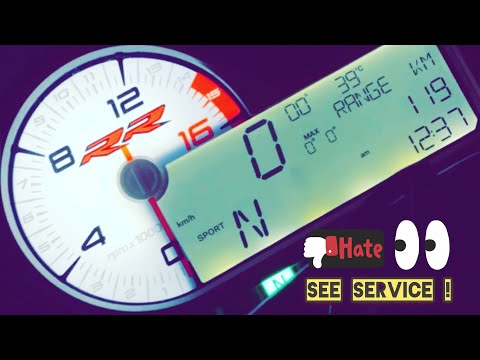
S1000 Rr
To reset the Service light on the BMW S1000 RR, connect a diagnostic tool to the OBD port of the motorcycle: the OBD port is located at the rear, nea…
S1000 Rr
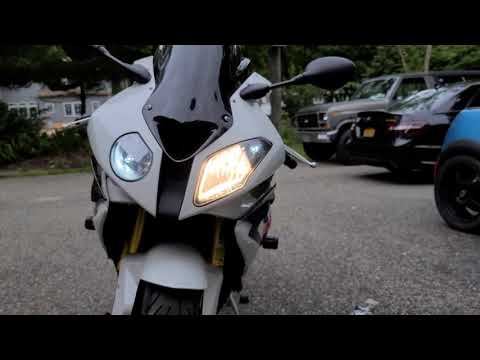
This brief guide outlines the steps to remove and replace the front headlight bulb on the BMW S1000 RR motorcycle, following the instructions below. …
S1000 Rr
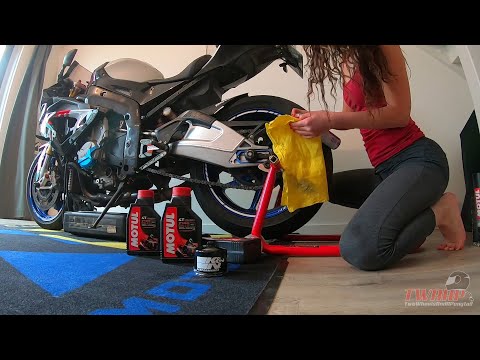
Discover how to change the engine oil and oil filter while performing the regular maintenance service on a BMW S1000 RR, in simple and quick steps. F…
|
How to Remove the Rear Wheel on the BMW G650 GS?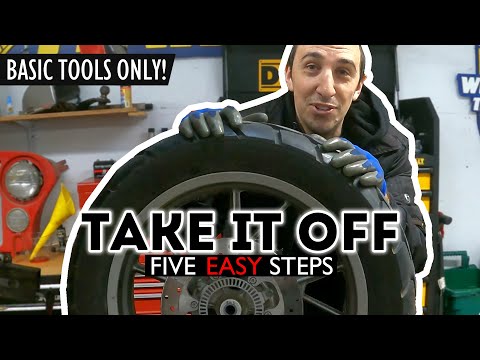
In this tutorial, you will see how to remove the rear wheel on the BMW G650 GS, a very simple operation. First, lift the motorcycle from the central area using a stand or a jack, then undo the right nut with a 24 mm socket and the left one with a 19 mm spanner. Once done, using a Torx T40 key, unscrew the two chain tensioner bolts exactly half a turn each, until you loosen the tension. Finally, push the wheel towards the inside of the motorcycle, remove the chain from the sprocket, and extract the inner pin using a hammer. by ScegliAuto More videos
|
|
For advertising on this site Write to info@scegliauto.com
ScegliAuto is not responsible for any inaccuracy of the data in the lists. To report any inaccuracy or your business (if you own the business in question), please write to info@scegliauto.com
Number of seconds to generate the page: 0.156
(c) ScegliAuto 2026 - info@scegliauto.com - Privacy policy VAT number: IT01247470535 |
