
|
Do it yourself
| |||
| ||||


How to Disable the Motion Alarm Sensors on a BMW IX
Model: BMW iX
MK 1
- Years 2021-2026
Let's see how to disable the motion sensors on a BMW IX: using the standard method, temporarily disable the sensors so you can leave a pet inside, for example. Exit the car and close all the doors, then press the lock button on the remote twice: the LED indicator on the interior mirror will light up and stay on for a few seconds instead of flashing slowly, confirming that the internal sensors are disabled. If you need to leave the vehicle parked for an extended period (for example, at the airport), you can manually disable the sensors by turning on the ignition, opening the "iDrive" menu, going to "vehicle", then to "door settings" and selecting "anti-theft alarm": deselect "internal alarm", turn off the car, and exit.
Posted on 27 May 2026 by ScegliAuto
Video tutorial
Related tutorials
BMW iX
(2021-2026 /
MK 1)
Today's information will allow us to disassemble and remove the front door panel of the BMW IX. First, we open the front door and start unscrewing th…
BMW iX
(2021-2026 /
MK 1)
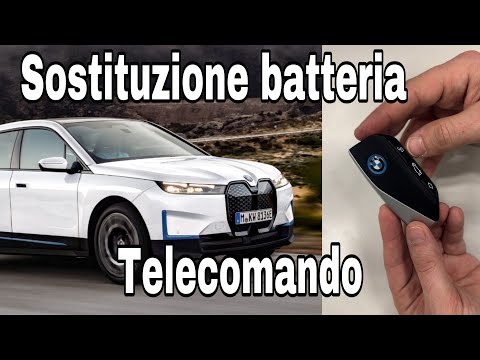
In this video tutorial, you will see how to replace the remote battery on a BMW Ix. The first thing to do is buy a new CR 2032 3V battery. The remote…
Other guides you may be interested in |
How to Reset the Tyre Pressure Warning Light on the Hyundai Tucson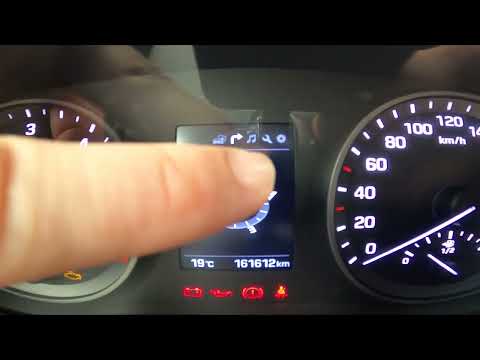
Today, we will discover the instructions that will allow you to reset the tyre pressure warning light (TPMS) on the Hyundai Tucson; before performing the reset, ensure that all four tyres are at the correct operating pressure. Then, get in the vehicle and start the ignition; next, navigate to the onboard computer settings using the controls on the steering wheel until you reach the tyre pressure monitoring section, as shown in the video. At this point, confirm and execute the reset of the TPMS warning light! by ScegliAuto More videos
|
|
For advertising on this site Write to info@scegliauto.com
ScegliAuto is not responsible for any inaccuracy of the data in the lists. To report any inaccuracy or your business (if you own the business in question), please write to info@scegliauto.com
Number of seconds to generate the page: 0.060
(c) ScegliAuto 2026 - info@scegliauto.com - Privacy policy VAT number: IT01247470535 |
