
|
Do it yourself
| |||
| ||||


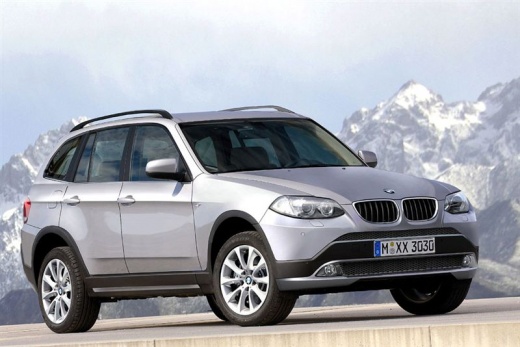
How to Connect Your Smartphone via Bluetooth on the BMW X3
Model: BMW X3
MK 2, F25
- Years:
2010, 2011, 2012, 2013, 2014, 2015, 2016, 2017
Video tutorial
Today, you will see the instructions to connect your smartphone to the multimedia system via Bluetooth on the BMW X3. First, get inside the vehicle and turn on the instrument cluster. Using the control on the center console, navigate to the vehicle settings, then select the phone option as shown in the video. At this point, add the Bluetooth device (in this case, your smartphone) by entering the code to pair it. This way, you will have access to your contacts and multimedia content.
Posted on 9 November 2026 by ScegliAuto
Related tutorials
BMW X3
(2003-2010 /
E83, MK 1)
In today's video, learn how to connect your phone to the multimedia system of the BMW X3 via Bluetooth. First, note the unlock code. You can find it …

BMW X3
(2003-2010 /
E83, MK 1)
If you want to understand where the OBD port is located in your first-generation BMW X3, you just need to follow the steps described below. First, go…

BMW X3
(2010-2017 /
MK 2, F25)
In this video we can see how to use an icarsoft diagnostic tool to regenerate the DPF of a BMW 2.0: in this case it is an X1. Icarsoft is a diagnosti…
Other guides you may be interested in |
Where is the Starter Motor Fuse Located in the Renault Scenic?
In this video, you can see where the starter motor fuse is located in the Renault Megane, which is the first component to check in case of sudden malfunction. As shown, it is found in the fuse box within the engine compartment, to your right when facing the vehicle. To access it, first remove the plastic cover and then lift the fuse box. The fuse in question is located on the lower side, between the two connectors, and is rated at 25A. If faulty, ensure you use a replacement with the same specifications. by ScegliAuto More videos
|
|
For advertising on this site Write to info@scegliauto.com
ScegliAuto is not responsible for any inaccuracy of the data in the lists. To report any inaccuracy or your business (if you own the business in question), please write to info@scegliauto.com
Number of seconds to generate the page: 0.068
(c) ScegliAuto 2026 - info@scegliauto.com - Privacy policy VAT number: IT01247470535 |
