
|
Do it yourself
| |||
| ||||


How to Remove the Navigation Screen
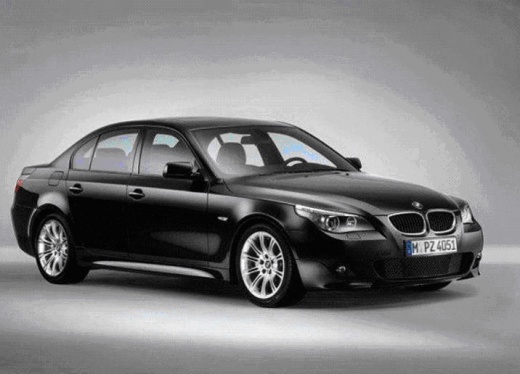
Model: BMW Serie 5
E60, E61
- Years 2003-2010
In this short video, you will see the process of removing the CID (Control Information Display) on a BMW E60 5 Series. First, remove the small torx screws (using a T10 wrench) located on the right and left of the panel. This way, the navigation screen can be extracted. Now, disconnect the wiring that connects the display to the radio unit below it: to do this, detach the connector located at the back of the screen at the top right. Lift the white lever at the end of the cable, then disconnect it from the video unit.
Updated on 4 February 2026 by ScegliAuto
Video tutorial
Related tutorials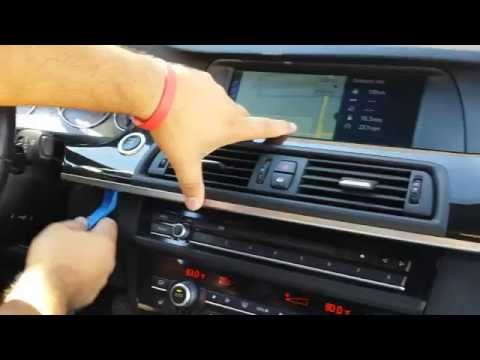
BMW Serie 5
(2010-2017 /
F11, F10)
If you need to remove the car radio or the navigation display, follow the images in the video to see that it is not as difficult as it may seem. Firs…
BMW Serie 5
(2003-2010 /
E60, E61)
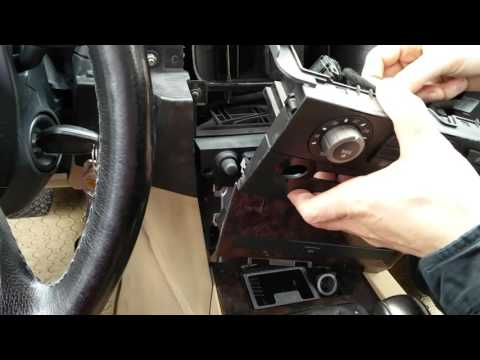
To remove the center console of the dashboard, specifically the DVD reading unit of the navigation system, start by removing the central trim piece t…
BMW Serie 5
(1995-2003 /
E39)
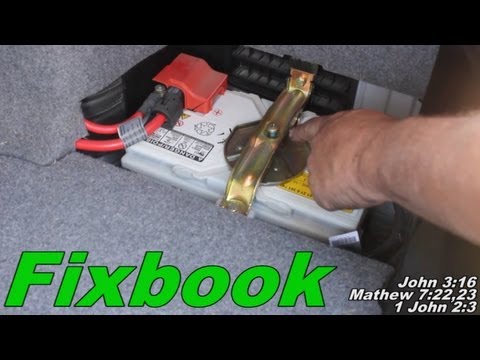
Removing the battery is a straightforward task, but before disconnecting, ensure you have any activation codes for the radio and/or GPS navigation sy…
Other guides you may be interested in |
How to Remove the Original Stereo on a Ford Focus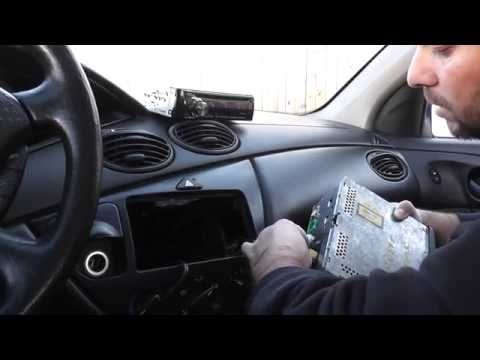
How to remove the original stereo on a Ford Focus? Follow these guidelines for the removal. Use the original or aftermarket metal keys to remove the stereo: insert the keys into the holes on the plastic cover of the stereo, pull the stereo towards you as shown in the video, and carefully extract the stereo while being mindful of the wiring (disconnect the power connectors and the antenna cable). Finally, reinstall the original stereo or a generic brand with the appropriate adapter for the connections. by ScegliAuto More videos
|
|
For advertising on this site Write to info@scegliauto.com
ScegliAuto is not responsible for any inaccuracy of the data in the lists. To report any inaccuracy or your business (if you own the business in question), please write to info@scegliauto.com
Number of seconds to generate the page: 0.080
(c) ScegliAuto 2026 - info@scegliauto.com - Privacy policy VAT number: IT01247470535 |
