
|
Do it yourself
| |||
| ||||


How to change the system language in the BMW 5 Series?
Model: BMW Serie 5
F10, F11
- Years 2010-2017
In this tutorial, we can see how to change the system language in the BMW 5 Series, an extremely simple and quick operation, to be carried out, for example, following a change of ownership. First of all, let's go inside the cabin, then insert the key and turn on the instrument panel. Next, press the "MENU" button on the central console, go to "Settings", the last option, "Language/Units", the fifth option, and select the correct language from the newly appeared list. To save the setting, simply return to the main screen and restart the vehicle.
Posted on 9 July 2024 by ScegliAuto
Video tutorial
Related tutorials
BMW Serie 5
(2017-2024 /
G30)
Every fuse of the BMW 5 Series is located inside one of the appropriate fuse boxes that are installed on the vehicle: the first of these will be foun…

BMW Serie 5
(2017-2024 /
G30)
The instructions in this guide will show us how to disassemble and replace the emergency battery (SOS) of the BMW 5 Series. First, we get on board th…
BMW Serie 5
(2010-2017 /
F10, F11)
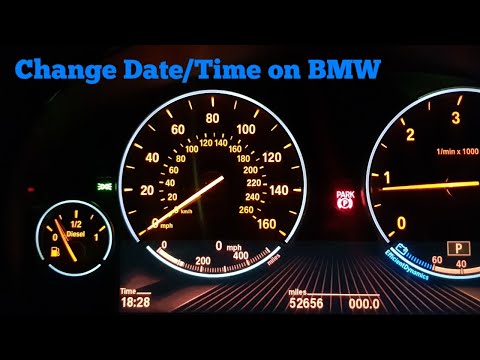
In this short and simple guide, we will see how to modify the date and time of the BMW 5 Series, following the instructions below. First, get in the …
Other guides you may be interested in
|
How to Open the Boot of the Ford Ecosport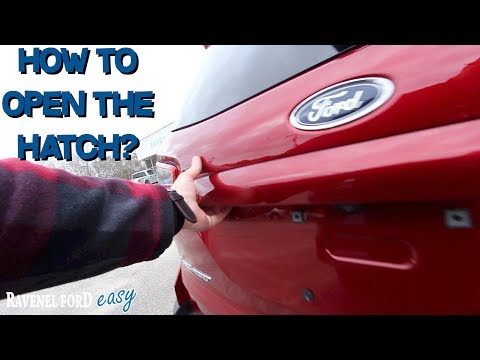
Opening the boot lid of the Ford Ecosport is a straightforward operation that greatly facilitates access when normal operation would otherwise be inconvenient. Naturally, you can open the boot using the remote/key in the same way you open the doors of the cabin. However, in some cases, you may need to open it in other ways. You will notice that there is no handle or button for manual opening in the usual positions. Instead, you will find the handle with the lock underneath at the top of the right rear light, highlighted by the chrome finish. This allows you to open the boot, which will swing open to the left. by ScegliAuto More videos
|

|
For advertising on this site Write to info@scegliauto.com
ScegliAuto is not responsible for any inaccuracy of the data in the lists. To report any inaccuracy or your business (if you own the business in question), please write to info@scegliauto.com
Number of seconds to generate the page: 0.100
(c) ScegliAuto 2026 - info@scegliauto.com - Privacy policy VAT number: IT01247470535 |
