
|
Do it yourself
| |||
| ||||


How to deactivate the Start & Stop function on a BMW in the absence of the dedicated button
Model: BMW BMW Various
In this video, we can see how to deactivate the Start & Stop function on a BMW car that does not have a dedicated button for this purpose. We click on the "sport" function, and from the screen we go to search for the individual configuration function, setting the sport setting in all functions, individually. So when we have set the sport function of our dashboard, and the design is all colored in red, the Start & Stop function is automatically deactivated, because it is considered not suitable for sporty driving. So this is the method to deactivate the Start & Stop on BMW cars that do not have the dedicated button.
Posted on 21 July 2024 by ScegliAuto
Video tutorial
Related tutorials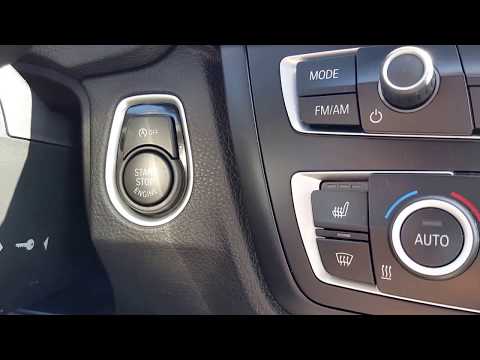
BMW BMW Various
In this tutorial, we can see how to deactivate the Start&Stop feature in a BMW, an extremely simple operation to be carried out in case we find the s…

BMW BMW Various
First of all: what are CC-ID codes? They are a set of unique identifiers associated with electronic components of the vehicle. They allow for precise…

BMW BMW Various
Fog lights are used when necessary, in the absence of lighting on poorly visible roads. Today we will explain how to turn off the front fog lights of…
Other guides you may be interested in
|
How to Replace the Damaged Number Plate Bulb on Fiat 600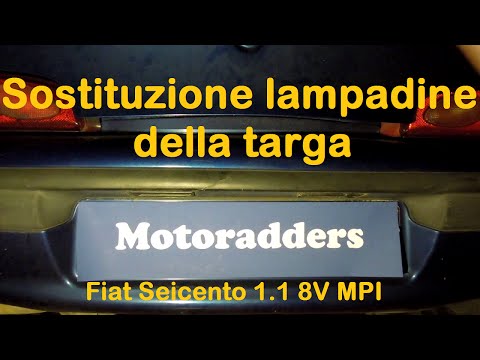
In this video, learn how to replace the damaged number plate bulb on a Fiat 600. Use a screwdriver or plastic lever to remove the number plate light unit located in the rear bumper of the car. Once the light unit is removed, extract the lamp holder with your hands, then disconnect the bulb from it. Fit the new bulb/LED (same size and voltage) into the lamp holder, then reassemble the light unit into the bodywork of the tailgate, pressing it until the clips lock automatically. Finally, test the correct operation of the previously installed bulb. by ScegliAuto More videos
|
|
For advertising on this site Write to info@scegliauto.com
ScegliAuto is not responsible for any inaccuracy of the data in the lists. To report any inaccuracy or your business (if you own the business in question), please write to info@scegliauto.com
Number of seconds to generate the page: 0.052
(c) ScegliAuto 2026 - info@scegliauto.com - Privacy policy VAT number: IT01247470535 |
