
|
Do it yourself
| |||
| ||||


How to reset the oil light on a Chevrolet Camaro MK5
Model: Chevrolet Camaro
MK 5
- Years:
2007, 2008, 2009, 2010, 2011, 2012, 2013, 2014, 2015, 2016
Video tutorial
Let's see how to reset the service light on a 2012 Chevrolet Camaro (MK5): insert the key and turn it to the "accessory" position, then go to the vehicle information menu. Press it multiple times until you select the "vehicle information" screen. Using the arrow buttons (up/down) on the steering wheel, scroll until you see "oil life remaining". At this point, press and hold the "SET/CLR" button located on the steering wheel, usually on the left side. The display will show "reset oil life?". Choose between "yes" and "no" and press the "SET/CLR" button again to confirm. The percentage will return to 100%, and the light will be reset.
Posted on 1 November 2026 by ScegliAuto
Related tutorials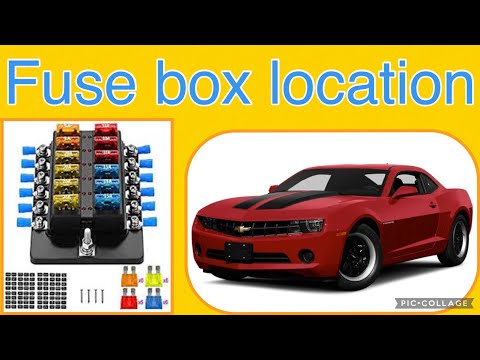
Chevrolet Camaro
(2007-2016 /
MK 5)
If you are looking for the main fuse box in your 2013 Chevrolet Camaro, follow these instructions to locate it quickly and safely. First, completely …
Chevrolet Camaro
(2007-2016 /
MK 5)
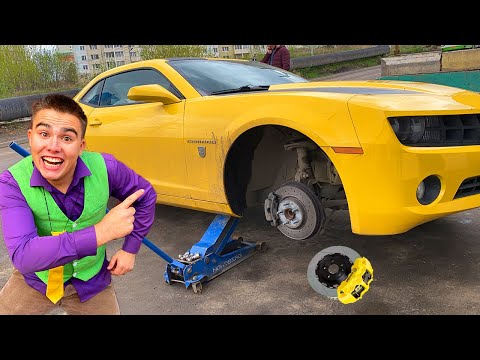
Before you start, ensure that your Camaro is in first gear and the handbrake is engaged. Begin by lifting the car using the appropriate jack provided…

Chevrolet Camaro
(2007-2016 /
MK 5)
In this tutorial, you will see how to program a remote for the Chevrolet Camaro, a very simple and quick operation. For this, you will obviously need…
Other guides you may be interested in
|
How to Open a Stuck Boot Lid on a Seat Ibiza
On a Seat Ibiza, the boot lid may become stuck, for example, due to a fault with the control button or the lock actuator. In these cases, you can perform an emergency opening by following the simple procedure shown in this tutorial. First, open the rear doors, then lower the backrest by operating the release lever. Next, go to the boot, unclip the cover panel of the boot lid, and open it by operating the actuator with a screwdriver or a similar tool. by ScegliAuto More videos
|
|
For advertising on this site Write to info@scegliauto.com
ScegliAuto is not responsible for any inaccuracy of the data in the lists. To report any inaccuracy or your business (if you own the business in question), please write to info@scegliauto.com
Number of seconds to generate the page: 0.091
(c) ScegliAuto 2026 - info@scegliauto.com - Privacy policy VAT number: IT01247470535 |
