
|
Do it yourself
| |||
| ||||


How to Adjust the Screen Brightness on Citroen C4
Model: Citroen C4
MK 3
- Years 2020-2026
Let's see how to adjust the screen brightness on the Citroen C4: turn on the instrument panel and press the "home" button (the one with the house icon). At the top of the screen, below the clock, press on the "settings" option. In the bottom left, select "options". Choose "screen configuration". Select "Screen Brightness" and a bar will appear: move it left or right to increase or decrease the brightness. Press "ok" to confirm. Press "home" to return to the main screen to check if the change has taken effect and to see if you have achieved the desired effect.
Posted on 8 April 2026 by ScegliAuto
Video tutorial
Related tutorials
Citroen C4
(2014-2020 /
Cactus)
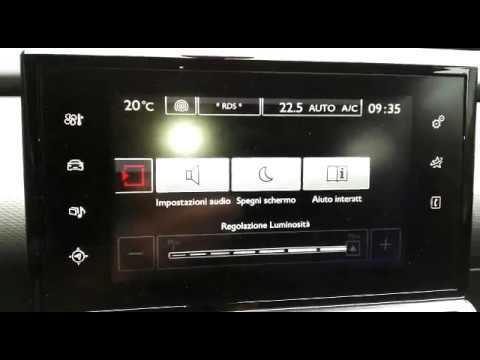
In this video, we will see how to change the multimedia screen on the Citroen C4 Cactus, which is not working: first, we need to remove the cover loc…
Citroen C4
(2010-2018 /
MK 2)
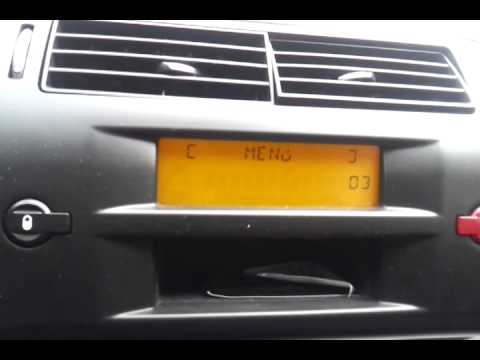
You may need to disconnect the battery in your car and find yourself needing to reset the time and date. In this video, we will show you how to perfo…
Citroen C4
(2004-2010 /
MK 1)
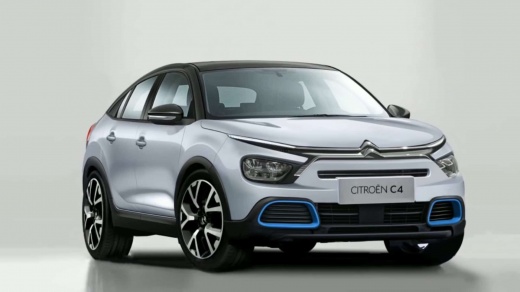
Thanks to today's tutorial, we will see the necessary steps to adjust the on-board computer time on a first-generation Citroen C4, model produced fro…
Other guides you may be interested in
|
Frequently Asked QuestionsReplacing the Key Shell on an Opel Astra
In this video tutorial, you will see how to replace the remote key shell of an Opel Astra, as well as other models from the manufacturer. First, take your remote control and remove the key by taking out the pin inside it, as shown in the video; then lever the central part of the remote and open it into two halves. At this point, remove the circuit board and battery and transfer them into the new shell, inserting them the correct way: then reassemble everything, following the video to the end! by ScegliAuto More videos
|
|
For advertising on this site Write to info@scegliauto.com
ScegliAuto is not responsible for any inaccuracy of the data in the lists. To report any inaccuracy or your business (if you own the business in question), please write to info@scegliauto.com
Number of seconds to generate the page: 0.092
(c) ScegliAuto 2026 - info@scegliauto.com - Privacy policy VAT number: IT01247470535 |
