
|
Do it yourself
| |||
| ||||



How to Add AdBlue and Reset the Emissions Light on Citroen C4 Picasso BlueHDi
Model: Citroen C4 Picasso
MK 2
- Years 2013-2022
Video tutorial
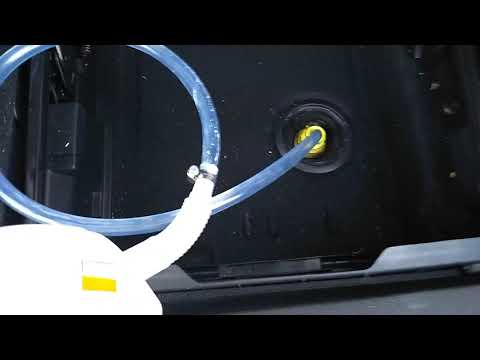
Detailed instructions - In this video, see how to add AdBlue to reset the emissions warning on a second series Citroen C4 Picasso with a BlueHDi engine. First, obtain some AdBlue fluid, which is used to reduce the engine's CO2 emissions; then open the boot and lift the floor to access the fluid tank. At this point, open the cap and fill the tank to the maximum level; once finished, get back inside the car and turn on the ignition to check if the emissions warning has disappeared!
Updated on 5 April 2026 by ScegliAuto
Related tutorials
Citroen C4 Picasso
(2013-2022 /
MK 2)
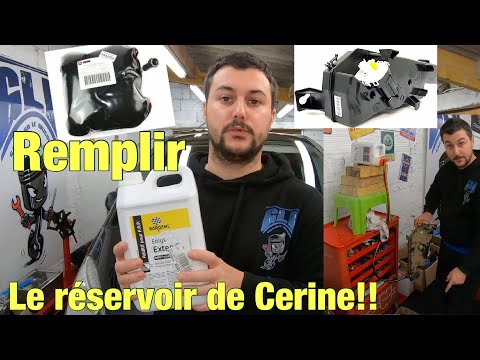
Briefly, we will see the instructions that will allow us to reset the AdBlue refill warning light on the Citroen C4 Picasso 1.6 BlueHDi. First, open …
Citroen C4 Picasso
(2013-2022 /
MK 2)
If the AdBlue warning light has illuminated on the dashboard of your Citroen C4 Grand Picasso, it means that the emissions fluid has dropped to a too…
Citroen C4 Picasso
(2006-2013 /
MK 1)
In this guide, we will discover the necessary instructions to refill the AdBlue, which is used to reduce carbon dioxide emissions, on a Citroen C4 Pi…
Other guides you may be interested in
|
How to Adjust the Time on a Toyota Yaris Cross Hybrid
In this article, you will learn how to adjust the time on the display of a Toyota Yaris Cross Hybrid. The procedure is simple and quick, taking less than 1 minute to complete. To adjust the time, start the display without starting the engine, then scroll through the menu using the right arrow button until you reach the settings. The first option is for the time; select it by pressing OK. Then, use the right or left arrow buttons to select hours or minutes, and use the up and down arrow buttons to adjust the hours and minutes. Once the time is set, press OK to confirm. by ScegliAuto More videos
|
