
|
Do it yourself
| |||
| ||||


How to Connect Mobile Navigator to Citroen C3
Model: Citroen C3
SY, SX
- Years:
2016, 2017, 2018, 2019, 2020, 2021, 2022, 2023
Video tutorial
To use the phone navigator in your vehicle, you must have Android Auto installed on your phone. Connect the phone to the USB port located at the bottom of the central console. The car's touchscreen will display the Android Auto icon; click on the icon. As this is the first installation, it will prompt you to open the app on your phone and allow "OK" and "Allow" for all requests presented. Also, grant permission on your phone for access to all displayed apps. Click on "Configure" on your phone and then allow the "Android Auto" app. Switch to the car display and accept all requests presented. At this point, the navigator will be usable with the vehicle's controls.
Updated on 13 May 2026 by ScegliAuto
Related tutorials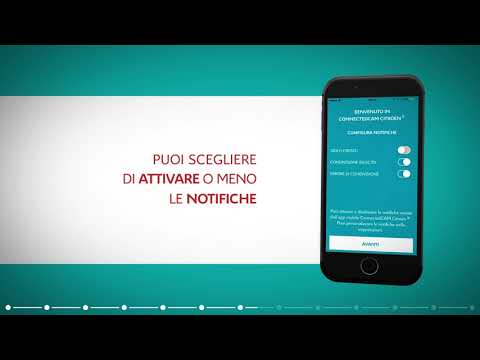
Citroen C3
(2016-2023 /
SY, SX)
Want to connect your smartphone to the multimedia system of the Citroen C3? Here’s how to connect the device to the car. Sit in the driver’s seat and…

Citroen C3
(2024-2026 /
Cc21)
In this video, we talk about the "Docking Station" - which is a device that allows you to expand the functionality of your smartphone by connecting i…
Citroen C3
(2016-2023 /
SY, SX)
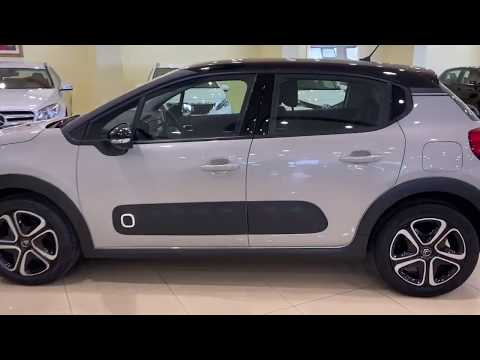
Before starting, sit in the driver's seat of your Citroen C3. Begin by activating the Bluetooth on your smartphone. Next, open the phone menu within …
Other guides you may be interested in |
How to Remove the Toll Tag Holder from the Car Windscreen
The toll tag holder is usually attached to the car windscreen to ensure that the toll tag functions immediately when passing through barriers. However, if you decide to remove the holder, you should follow this procedure: - Insert the toll tag into the holder; - Pull the holder inwards to detach it from the windscreen; you can use a glass scraper or a stiff plastic card to assist you; After removing the holder, it is essential to remove the adhesive from the windscreen. To remove the adhesive, we recommend using a solvent-based spray that will remove the glue without clouding the area. by ScegliAuto More videos
|
|
For advertising on this site Write to info@scegliauto.com
ScegliAuto is not responsible for any inaccuracy of the data in the lists. To report any inaccuracy or your business (if you own the business in question), please write to info@scegliauto.com
Number of seconds to generate the page: 0.014
(c) ScegliAuto 2026 - info@scegliauto.com - Privacy policy VAT number: IT01247470535 |
