
|
Do it yourself
| |||
| ||||


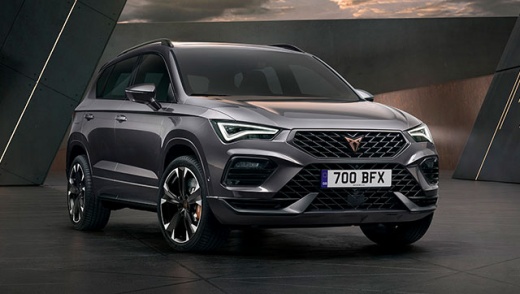
How to Replace the Key Fob Battery on a Cupra Ateca
Model: Cupra Ateca
MK 1
- Years:
2022, 2023, 2024, 2025, 2026
Video tutorial
To replace the battery in the key fob of the Cupra Ateca, take the fob and locate the button to extract the emergency mechanical key. Once extracted, use a small flat screwdriver to pry in the slot on the fob shell and carefully separate the two halves without damaging them. Inside, you will find the button cell battery, usually of type CR2032. Remove the flat battery, taking care of the position and polarity indicated. Insert the new battery, ensuring it is correctly positioned in its housing. Close the fob by pressing the two parts together until they click, reinsert the mechanical key, and check the correct operation of the buttons by pressing them to control the opening and closing of the vehicle.
Posted on 27 March 2026 by ScegliAuto
Related tutorials
Cupra Ateca
(2022-2026 /
MK 1)
In this tutorial, see how to replace the battery of the remote for the Cupra Ateca, a very simple and quick operation. To do this, you will need a sm…

Cupra Ateca
(2022-2026 /
MK 1)
In this video, we can see where the fuse boxes are located in the Cupra Ateca and their respective diagrams, useful in case you need to check the fus…

Cupra Ateca
(2022-2026 /
MK 1)
All the fuses in the Cupra Ateca are housed within dedicated fuse boxes installed in the vehicle: this type of vehicle has two fuse boxes. The first …
Other guides you may be interested in
|
How to Set the Time in an Audi A4?
In this tutorial, you will see how to set the time in an Audi A4, a very simple and quick operation to perform after replacing the battery or when the time changes. First, insert the key and turn on the instrument cluster. Then, press the "SETUP" button located on the center console. Next, press the upper left arrow button, navigate to the "Time" option, and use the central knob to adjust the clock. Finally, set any necessary formats and save by returning to the main screen. by ScegliAuto More videos
|
|
For advertising on this site Write to info@scegliauto.com
ScegliAuto is not responsible for any inaccuracy of the data in the lists. To report any inaccuracy or your business (if you own the business in question), please write to info@scegliauto.com
Number of seconds to generate the page: 0.112
(c) ScegliAuto 2026 - info@scegliauto.com - Privacy policy VAT number: IT01247470535 |
