
|
Do it yourself
| |||
| ||||


Where Is the OBD Port on the Dacia Jogger?
Model: Dacia Jogger
MK 1
- Years 2021-2026
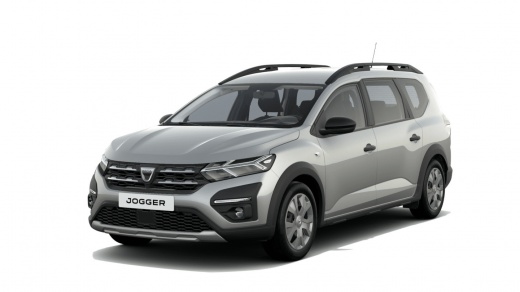
In this new guide for all of you who own a Dacia Jogger, we will help you easily find the OBD port of the car so you can connect a diagnostic tool and thoroughly analyse the data from the control unit. First, enter the car from the driver's side and ensure that your Dacia Jogger is completely turned off, then focus on the lower area of the dashboard, specifically on the left side of it. At this point, all you need to do is locate the OBD port you were looking for, and the procedure is successfully completed.
Posted on 5 October 2026 by ScegliAuto
Video tutorial
Related tutorials
Dacia Jogger
(2021-2026 /
MK 1)
Locating the OBD2 port on your Dacia Jogger (2022 model) is very simple, just follow the steps outlined in this guide. First, open the driver's side …

Dacia Jogger
(2021-2026 /
MK 1)
If you own a Dacia Jogger and are wondering what the correct procedure is to complete the manual reset of the tyre warning light, just read the follo…

Dacia Jogger
(2021-2026 /
MK 1)
The selected tutorial shows how to reset the maintenance light in a Dacia Jogger. Insert the key or press the Start button without starting the engin…
Other guides you may be interested in
|
How to Change the System Language of the Opel Corsa F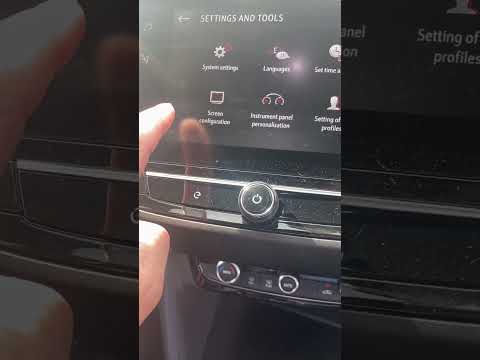
If you own an Opel Corsa F (2019-2023) and want to learn how to change the system language, read this guide carefully and follow the instructions. First, enter the cabin and start both the instrument cluster and the central display. Then, click on the settings icon and select "Options". Next, choose "Languages" and scroll through the list until you find your preferred language. Select it and finally exit the menu to save the changes. by ScegliAuto More videos
|
|
For advertising on this site Write to info@scegliauto.com
ScegliAuto is not responsible for any inaccuracy of the data in the lists. To report any inaccuracy or your business (if you own the business in question), please write to info@scegliauto.com
Number of seconds to generate the page: 0.060
(c) ScegliAuto 2026 - info@scegliauto.com - Privacy policy VAT number: IT01247470535 |
